Category: SEO Strategies

  • Master Your Metrics: Top 20 SEO Reporting Tools for Accurate Insights

    Master Your Metrics: Top 20 SEO Reporting Tools for Accurate Insights

    Picture this- you’ve spent weeks and months optimizing content as per SEO, but are still not sure of how well these are resulting on Google. While understanding the importance of SEO and optimizing your content as per the best industry practices is crucial, the job doesn’t end there. Once your organization has implemented an organic SEO content marketing strategy in place, it is also important to monitor these efforts and see how they fare out online, using SEO reporting tools.

    In this blog, we’ll briefly discuss the importance of SEO reporting tools, how these can track optimization strategies, and an overview of the 20 best tools in the industry as of 2023.

    As per a BrighEdge Research report, SEO drives 1000%+ more traffic than other forms of marketing. In order to measure the results of your content marketing strategies, it’s important to rely on tools which provide accurate and detailed information about how your website’s SEO is performing.

    This is where SEO reporting tools come into the picture. These tools help analyze the specific website to provide a detailed overview of the search engine ranking, as well as track important aspects, including the number of visits, site traffic, backlink, and keyword usage, among other features. These can provide a number of benefits, as listed below:

    While you understand the importance of SEO reporting tools, it might be challenging to narrow down on one tool, with numerous options available online. Therefore, it is essential that you choose a tool best suited for your organization’s content marketing requirements. 

    20 Top-Ranked SEO Reporting Tools

    The following section lists 20 best SEO reporting tools in the market as well as the specifications and an overview of each of these tools.

    1. Advanced Web Ranking
    Advanced Web Ranking

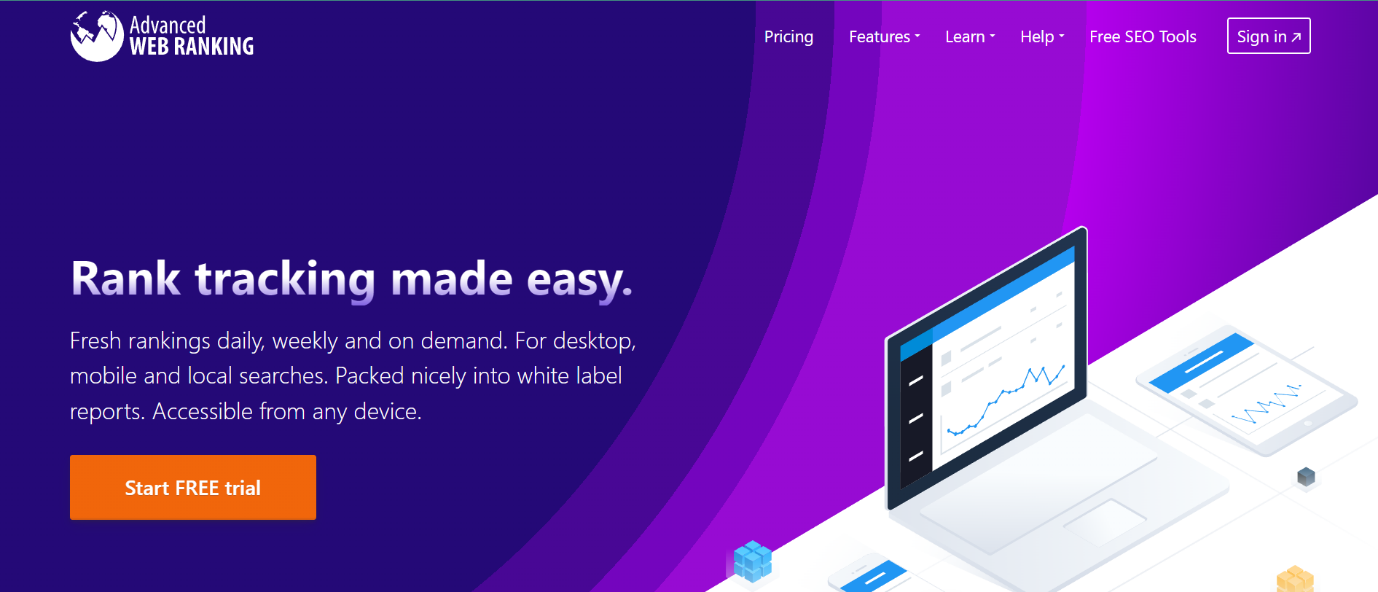
    Advanced Web Ranking is an SEO tool that provides various insightful features. Among these, its online SEO reporting tool helps provide organizations with a detailed analysis of the website’s ranking and performance. The tool also offers the trends and data segment, providing an overview of the SERP performance and competitor analysis, along with reports on the KPIs.

    Once this data is viewed and analyzed, it can also be compiled as a report, which is entirely customizable in various formats and can also be built on pre-existing templates. Lastly, these SEO reports can further be converted into insights, allowing an easier understanding of the data. These features make AWB one of the best SEO reporting tools.

    • They have several plans with prices ranging from $99 to $700 per month, depending upon the various features included.
    • G2 rating: 4.2/ 5 

    2. Screaming Frog SEO Spider
    Screaming Frog

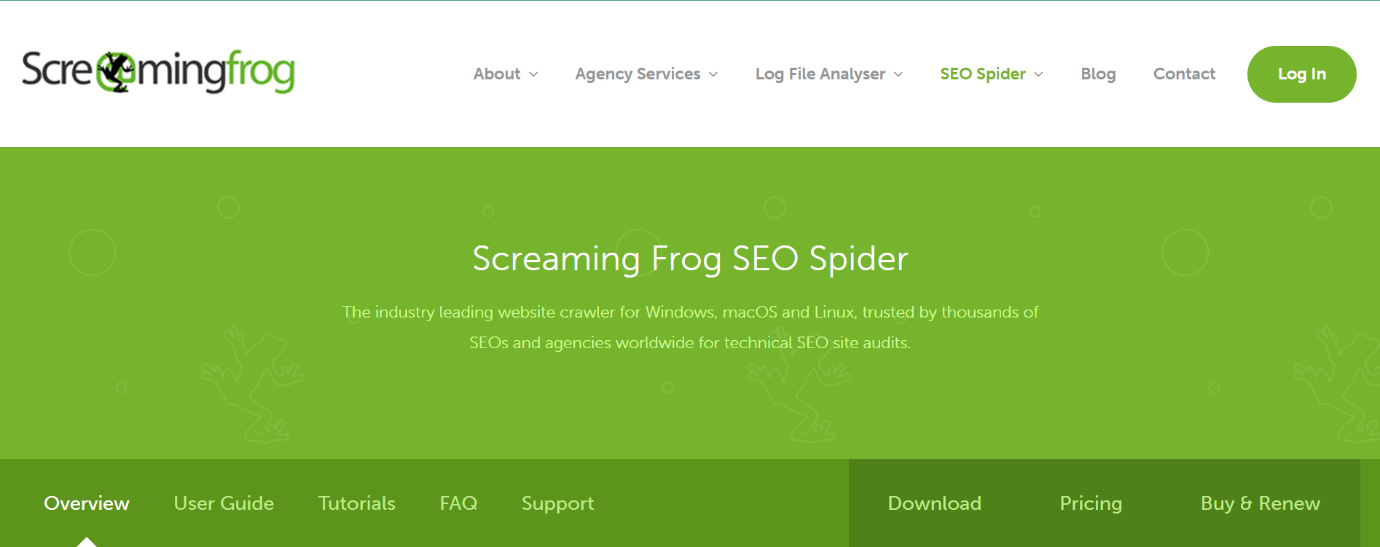
    Screaming Frog SEO Spider is a website crawler that provides various different marketing solutions. A few of these services include SEO consultancy, onsite SEO, and Keyword & Market research. From there, the SEO reporting and analysis service is of value to gaining detailed insight and access to data, measuring every aspect of a website’s performance, analytics, conversion, etc. This data would then help you improve any issues and further optimize the website, increasing site traffic and ranking. 

    It also offers a ‘Google Analytics Consultancy’ service, which helps manage the analytics for your organization’s website and provides reports along with the Looker Studio reporting suites. These features make it one of the best online SEO reporting tools.

    • Screaming Frog SEO Spider offers a free and paid version. The paid version starts from $139 per year, and the cost increases depending on the number of licenses per year. 
    •  G2 rating: 4.7/ 5 

    3. SEOmonitor

    SEOmonitor

    SEOmonitor is a one-stop-shop SEO reporting tool providing various services all in one platform. The tool not only provides SEO/keyword research but also offers an exhaustive list of features such as SEO forecast, latest search trends, keyword management, and also being able to track the performance of a particular SEO campaign, to name a few. 

    The ‘Agency Dashboard and API & Integration’ sections, in particular, are extremely beneficial for organizations seeking to have all their important SEO data in one place. The API & Integration further allows you to integrate, extract or manipulate your organization’s SEO campaign in the direction needed. These SEO reporting and data features can be accessed without any limits or additional cost and are included in every subscription.

    • The approximate monthly pricing for SEOmonitor starts from €149.5; however, this is automatically adjusted as per the users’ requirements and the specific features being used.
    • G2 rating: 4.6/5
    Link Research Tools

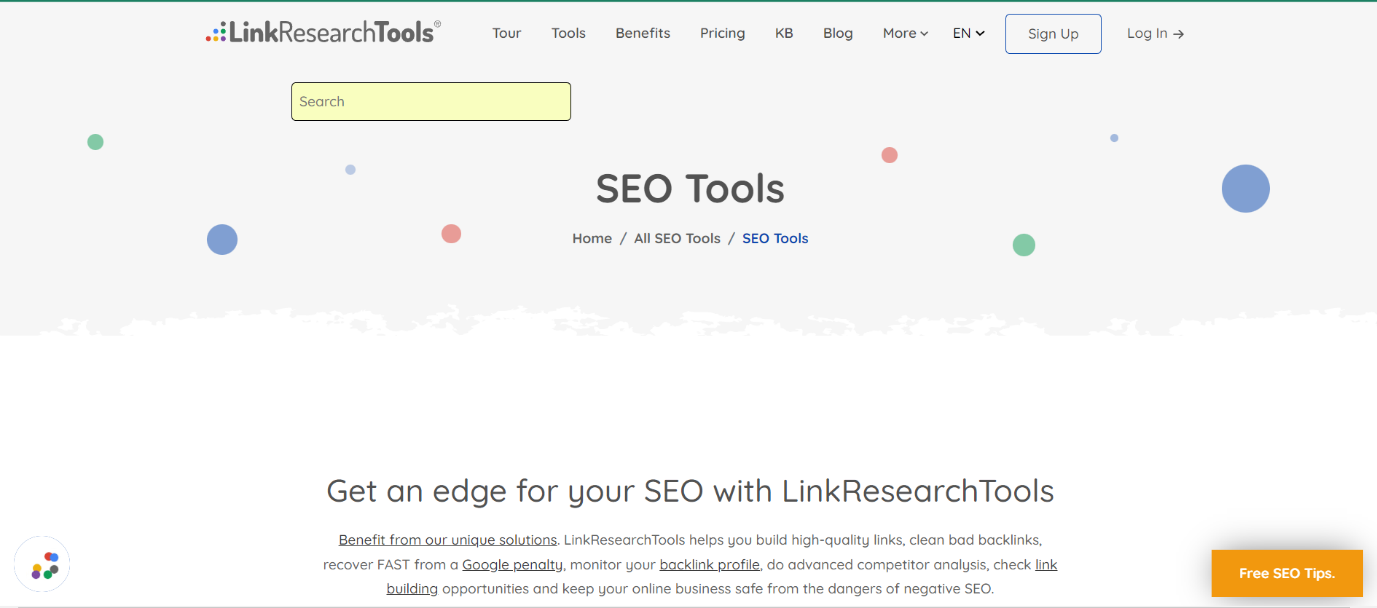
    Link Research Tools is an SEO tool with a primary focus on backlink analysis, link building, and link audits. These features allow organizations to narrow down on this specific aspect of SEO, being quite unique from the other tools listed in this blog. 

    In addition to these features, this tool also offers SEO competitor analysis and detailed insights and reports from the same. The output from the analysis can then help you devise an SEO strategy and improve website optimization. 

    • The pricing for the different plans offered by Link Research Tools is as low as $17 for 7 days (Trial) and can go up to $2,499 per month. Additionally, the ‘Enterprise’ plan requires getting a quote depending on the organization-specific requirements.
    • G2 rating: 3.9/5

    5. Raven Tools

    Raven Tools

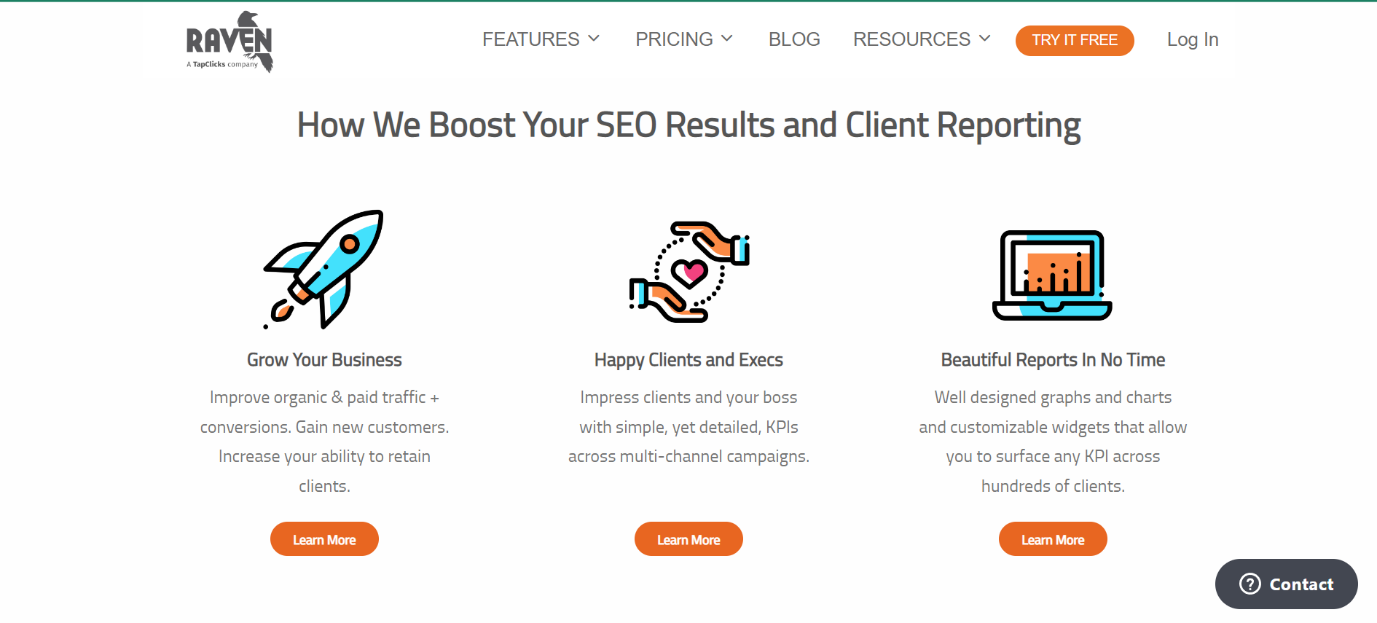
    Raven Tools is an all-in-one tracking and online SEO reporting tool to help organizations improve their website traffic and rank better. They offer a plethora of features, including keyword research and rack checker, marketing reports, competitor domain research, site auditor, SERP rank tracker, etc. Especially discussing their SEO reporting feature, the website offers attractive reports in no time. 

    Additionally, organizations can combine SEO, PPC, call tracking, and email & social marketing all in one report. This helps keep a bird’s eye view regarding the progress of your organization’s marketing strategies and how those are panning out. You can choose to automate the entire process and also have the option to surface specific KPIs across a range of marketing channels.

    • They offer five different plans with prices ranging from $39 to $399 per month.
    • G2 rating: 4.2/5

    6. Nightwatch

    NightWatch

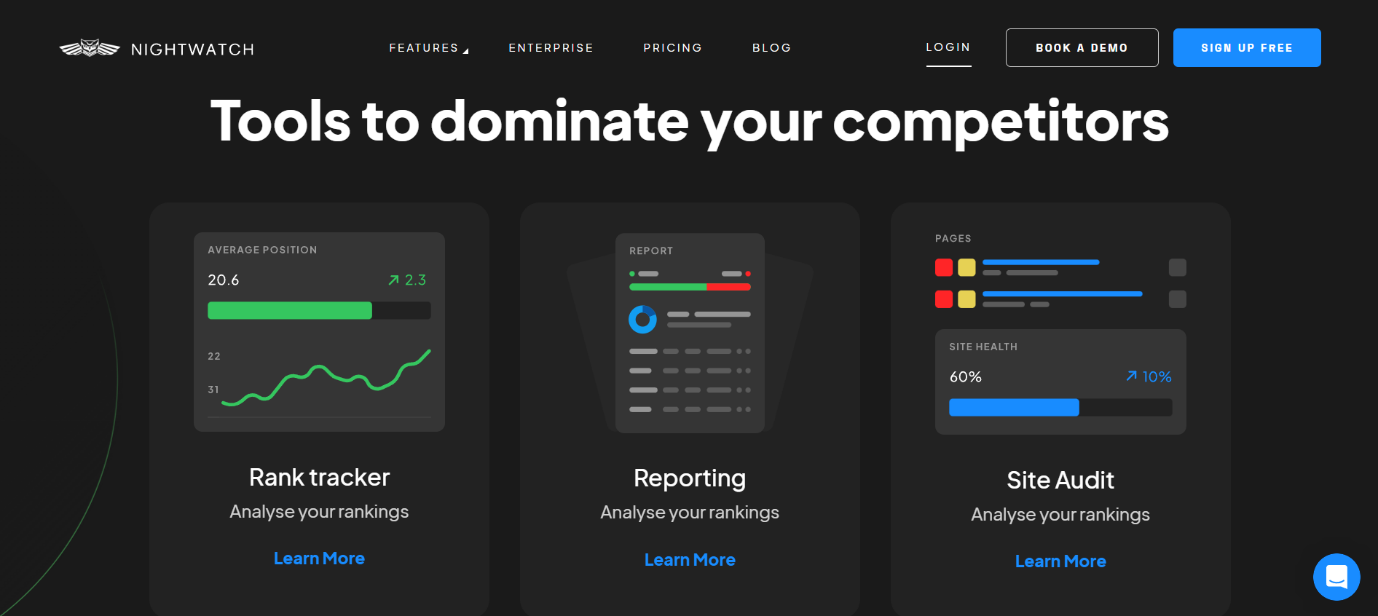
    Nightwatch is an advanced SEO reporting tool that offers rank tracking, SEO reporting, and site audit features for your organization’s website analysis. This tool stands out as it specifically lets your organization track search ranking locally, right down to the specific ZIP code. 

    Nightwatch offers easy-to-understand, white-labeled SEO reports with all the comprehensive data in one place. It also claims to be one of the most customizable online SEO reporting tools and also allows users to efficiently automate the reports.

    • Users can choose a 14-day free trial period for Nightwatch, and the subsequent pricing starts from $39 per month (for 250 keywords) and increases as per the specific requirements.
    • G2 rating: 4.8/5

    7. SE Ranking

    SE Ranking

    SE Ranking is an all-in-one tool for marketing agencies and professionals seeking to streamline their SEO  requirements. The range of features provided by this tool includes an on-page SEO checker, keyword tracking, website audit, competitor analysis, etc.

    In addition to these, the platform also offers SEO reporting tools for organizations. These reports can compile comprehensive data collected from the website analysis features mentioned above. There is no limit to the number of reports which you may create using this tool. These reports can be automated and only take about 15 minutes to be generated. Additionally, these can also be customized as per the organization’s brand, logo, and colors. 

    • SE Ranking offers three different plans ranging from $39 to $189 per month.
    • G2 rating: 4.8/5

    8. WooRank

    Woorank

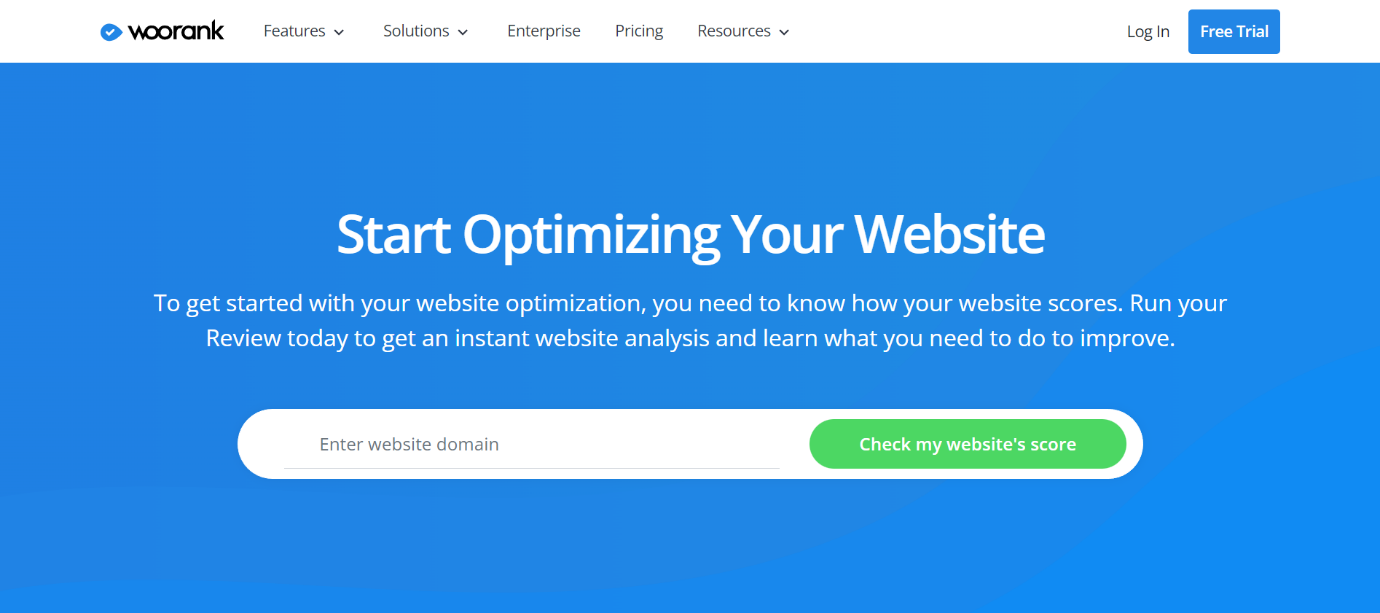
    WooRank is a comprehensive SEO tool offering numerous website optimization services. The tool allows users to check their website score based on ideal optimization practices. A few features which your organization may avail of include keyword tracking, website reviews, competitor analysis, and site crawl. 

    The platform also acts as an SEO reporting tool, offering the option to compile the data from these services into a meaningful report. These reports are completely customizable and can be tweaked as per the specific requirements. With all these features to choose from, Woorank is an excellent tool to gain insight into your website’s performance and improve its search engine ranking.

    • WooRank has the option to choose from Pro and Premium plans which are priced at $79.99 and $199.99, respectively, and the Enterprise plan requires a custom quote on a need basis.
    • G2 rating: 4.3/5

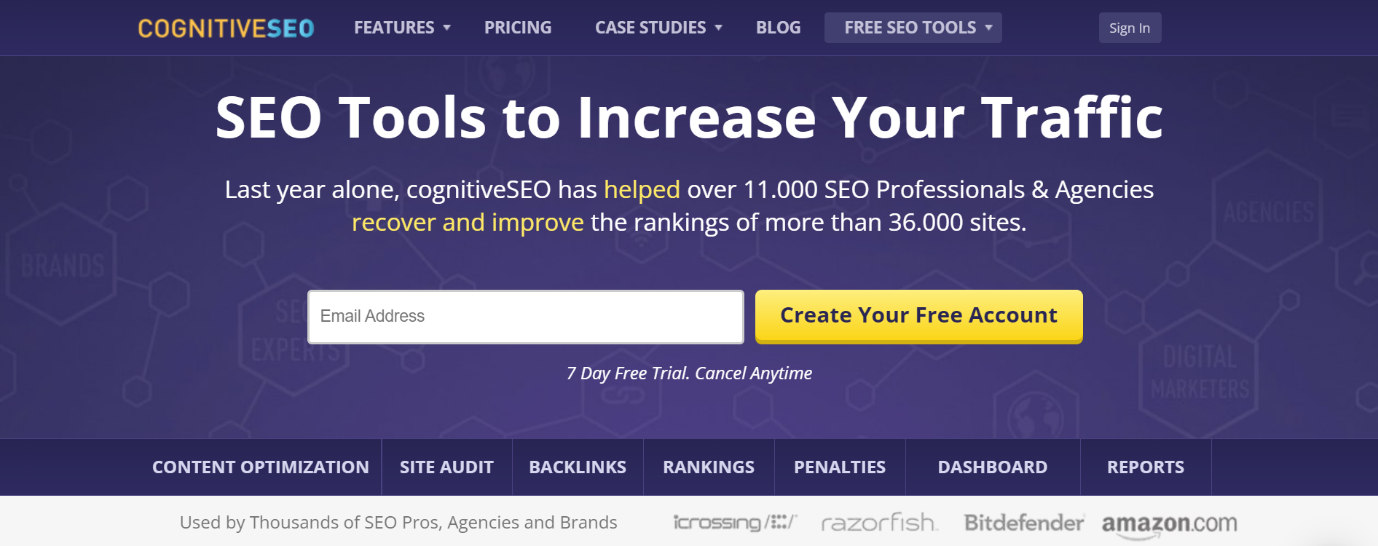
    9. CognitiveSEO

    Cognitive SEO

    CognitiveSEO is a holistic digital marketing solution for your organization’s SEO requirements. Offering features such as content optimization, backlinks, audits, and rankings, this tool not only highlights the SEO issues on your website but also provides recommendations on how to fix these. 

    With a range of techniques and features, it also offers a popular online SEO reporting tool to help compile the data from the above-mentioned features. These reports provide actionable insights to optimize the organization’s website further and rank better. The SEO reports are customizable and also offer the convenience of scheduling the time to send these ahead. Users also get the option to combine Google Analytics data and your organization’s specific KPIs to compile custom reports.

    • This tool offers three different plans, which can range from $129.99 to $ 499 per month.
    • G2 rating: 4.5/5

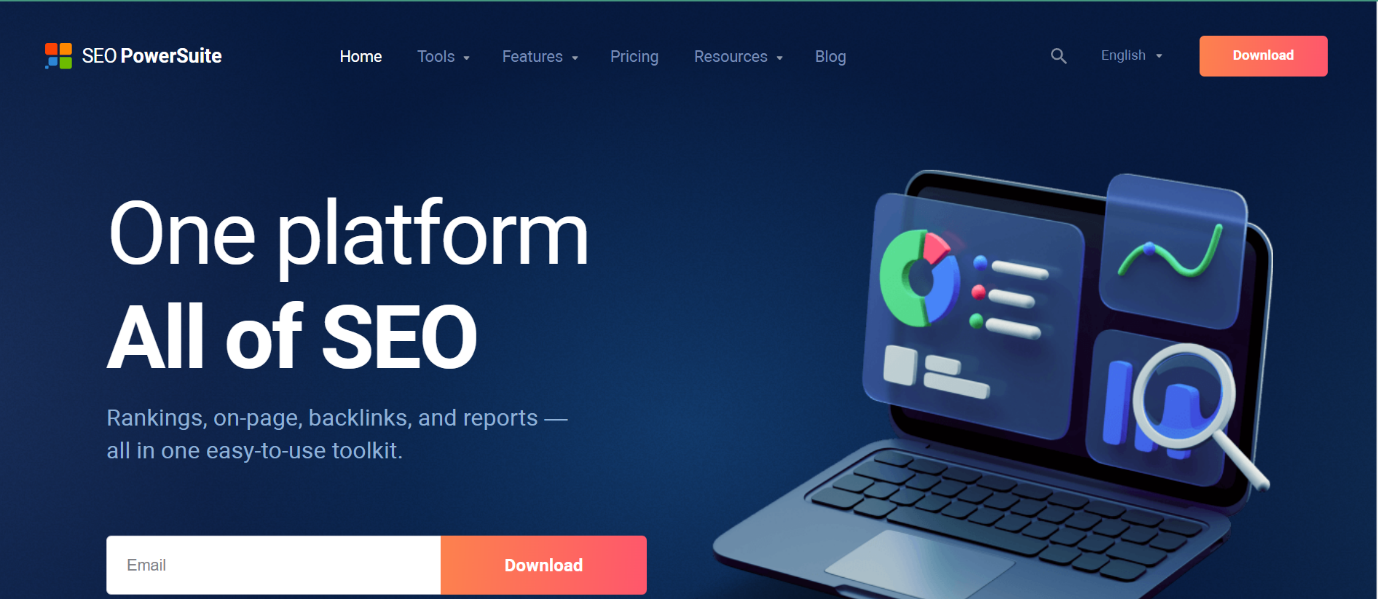
    10. SEO PowerSuite

    SEO Power Suite

    SEO PowerSuite, also known as link-assistant, is an easy-to-use SEO toolkit for your organization’s marketing requirements. The platform offers 4 main tools, which include Rank Tracker, WebSite Auditor, SEO SpyGlass, and LinkAssisstant. The users can also avail of more features under these tools. 

    Along with these, the SEO reporting tool offered on the platform is additionally helpful when compiling the data collected from these tools. This SEO reporting tool makes the process seamless by providing unlimited custom reports with the required SEO data. These reports can be tweaked as needed, with only choosing the specific metrics you want to be displayed. The tool offers keyword reports, SEO audit reports, and backlink reports, all of which can also be automated.

    • SEO PowerSuite offers a free version (with some limited features). It also offers two additional plans, falling in the range of $299 to $499 per year.
    • G2 rating: 4.5/5
    seo content writing services

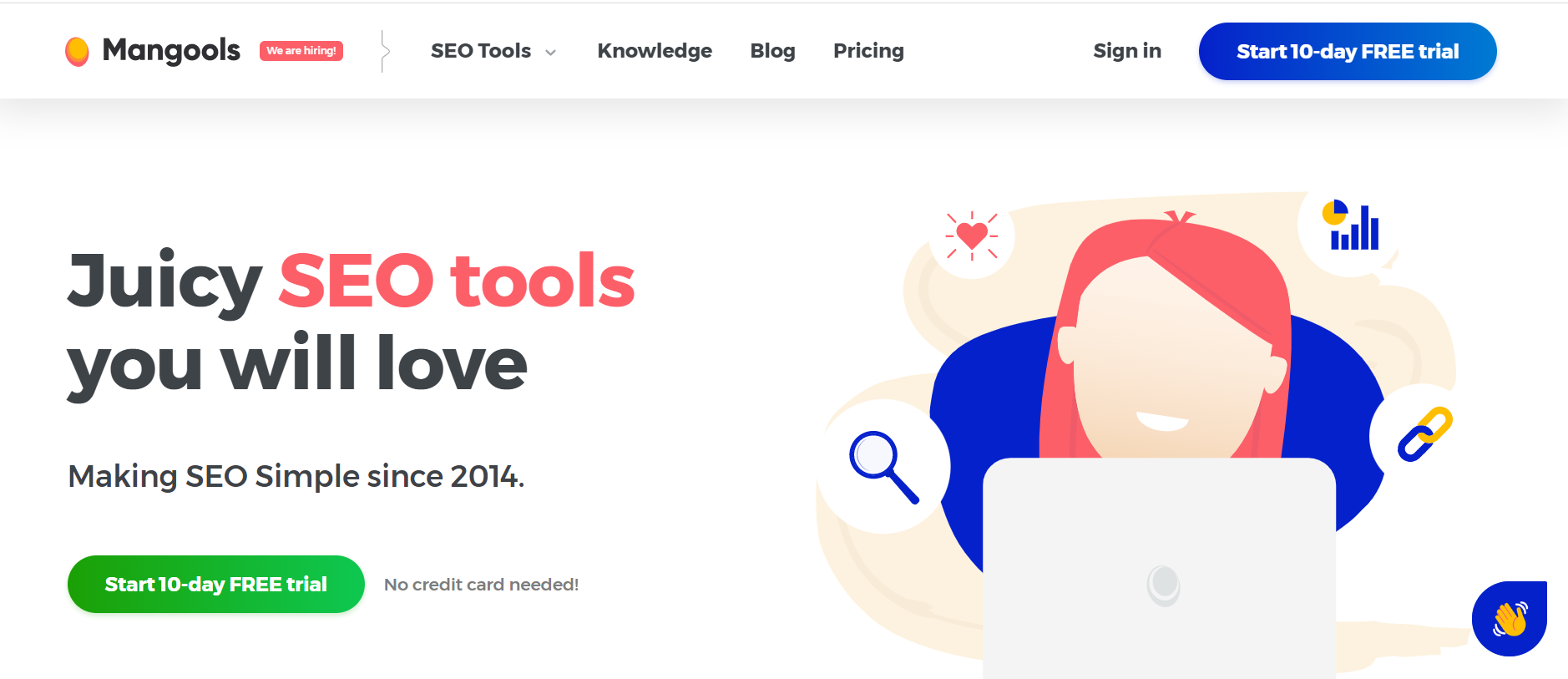
    11. Mangools

    Mangools

    Mangools is a comprehensive SEO platform providing various services and features. It aims to assist organizations in ranking better and driving more traffic. It includes five main tools- KWFinder, SERPChecker, SERPWatcher, LinkMiner, and SiteProfiler. 

    From these, SiteProfiler offers an overview of the website’s performance and competitor analysis. Additionally,  SERPChecker provides an in-depth analysis of search engine results pages (SERPs), helping businesses understand their competition and optimize their content accordingly. Lastly, the platform offers the option of “Custom data exports,” which allows users to easily receive/ download large volumes of data pertaining to keyword research and SEO. 

    • Mangools offers various plans, which can range from $49 to $129 per month.
    • G2 rating: 4.6/5

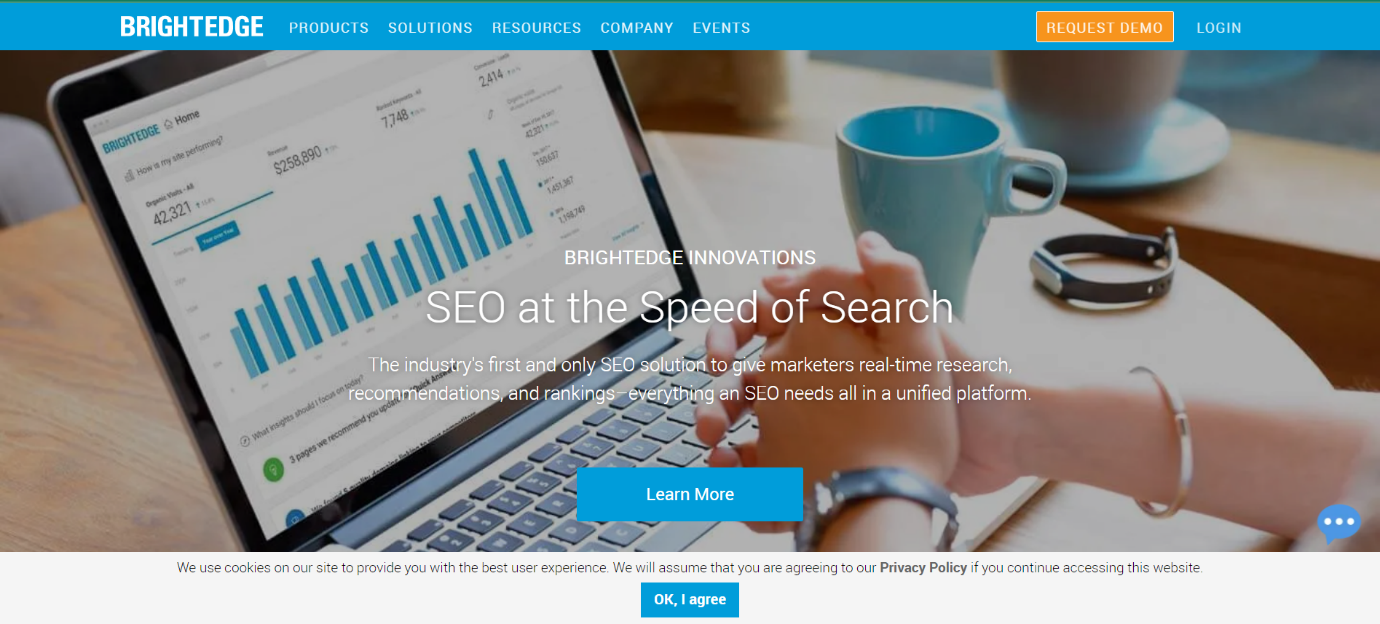
    12. BrightEdge

    BridgeEdge

    BrightEdge is one the first few platforms to offer real-time research, SEO recommendations, and rankings, all as a consolidated tool. It offers a wide range of capabilities, including keyword research, content optimization, competitive analysis, and reporting. As an SEO reporting tool, it offers detailed insights in three categories, including keyword reporting, page reporting, and site reporting. 

    Keyword and page reporting dwell into the insights regarding the specifics of which particular keywords are ranking and their performance, especially across competitor websites. Page reporting also focuses on identifying the content which ranks the best and leads to the most conversions, so the same can be applied across your organization.

    Additionally, since the platform is backed by an AI-powered data analyst, it efficiently extracts the required data as well as provides further insight into what steps must be implemented for better optimization.

    • The platform has custom product pricing, which requires getting in touch with them to discuss the requirements.
    • G2 rating: 4.4/5

    13. Serpstat

    Serpstat

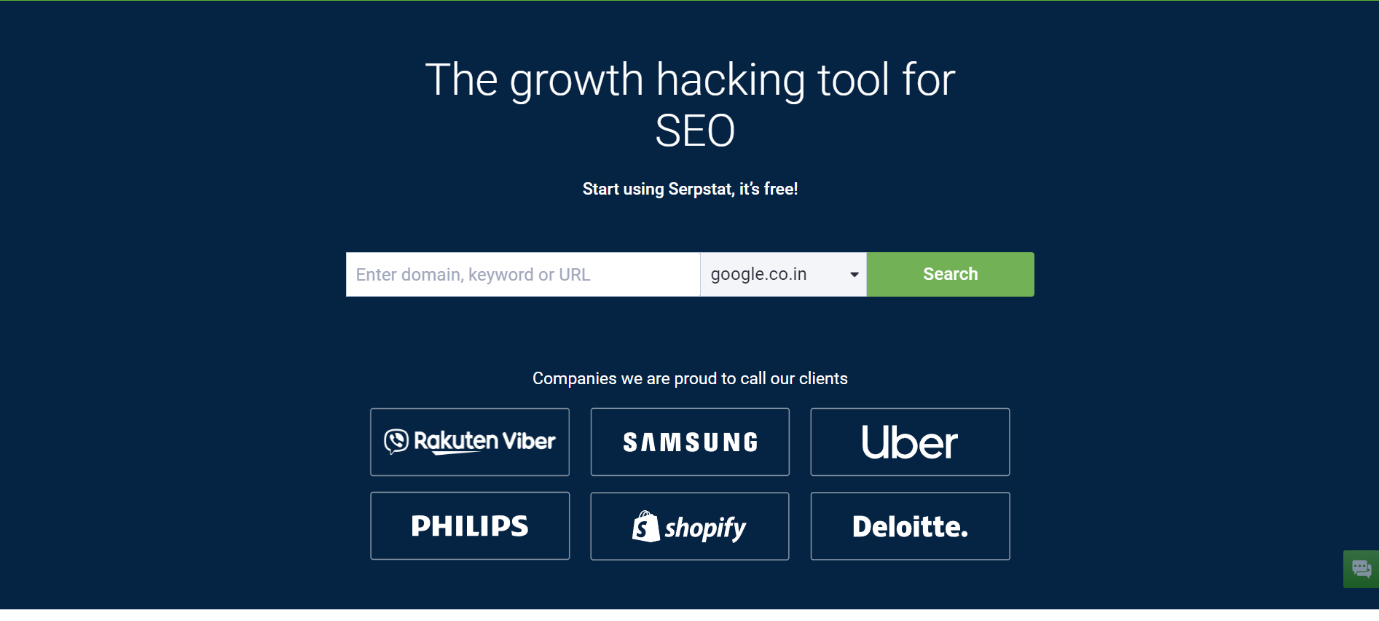
    Serpstat is a comprehensive content marketing SEO platform. Some of the most prominent features offered by them include rank tracking, upgrading on-page SEO, comparing domains and keywords, analyzing competitors, analyzing SERP, API integrations, and creating white-label reports. 

    The reports feature also allows for setting up automatic reports with notifications for any changes made. Additionally, these reports can be customized as per your organization’s requirements, including the crucial KPIs. Furthermore, the SEO reporting tool also provides several widgets and templates to make the process as seamless as possible.

    • Serpstat offers four different subscription plans, which are priced between the range of $69 to $499 per month.
    • G2 rating: 4.6/5

    14. Rank Ranger

    Rank Ranger

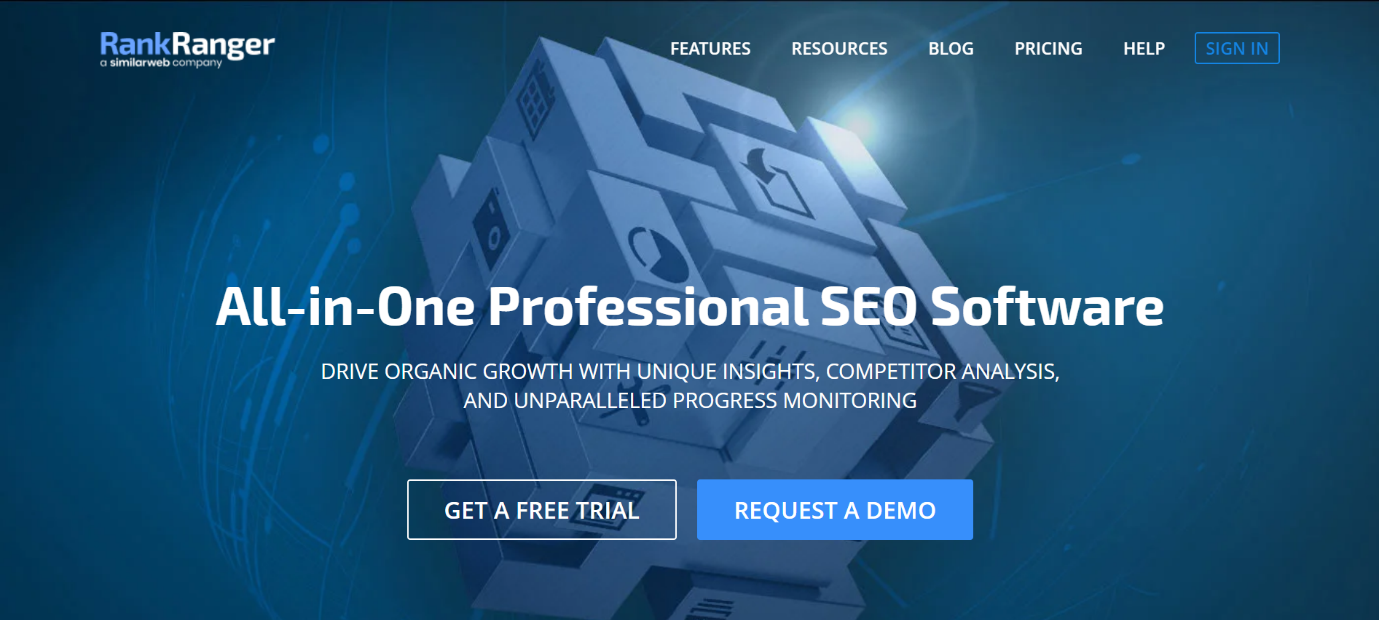
    Rank Ranger is an all-in-one professional SEO software. It offers a wide range of features, including rank tracking, website audits, competitor analysis, keyword research, and backlink analysis. The SEO dashboard for analysis and reporting offers a bird’s eye view of all the necessary details to monitor the SEO progress and identify areas for improvement. 

    In addition to this, Rank Ranger also provides White Label reports with its SEO reporting software. These include special built-in templates, cross-campaign support, and custom domain. Additionally, it also offers SEO reports in the form of automated PDFs, including all the necessary metrics required.

    • Rank Ranger offers four different subscription plans starting from $79 to $2700 per month. The pro and premium plans can further be customized as per the organization’s requirements.
    • G2 rating: 3.9/5

    15. WebCEO

    WebCEO

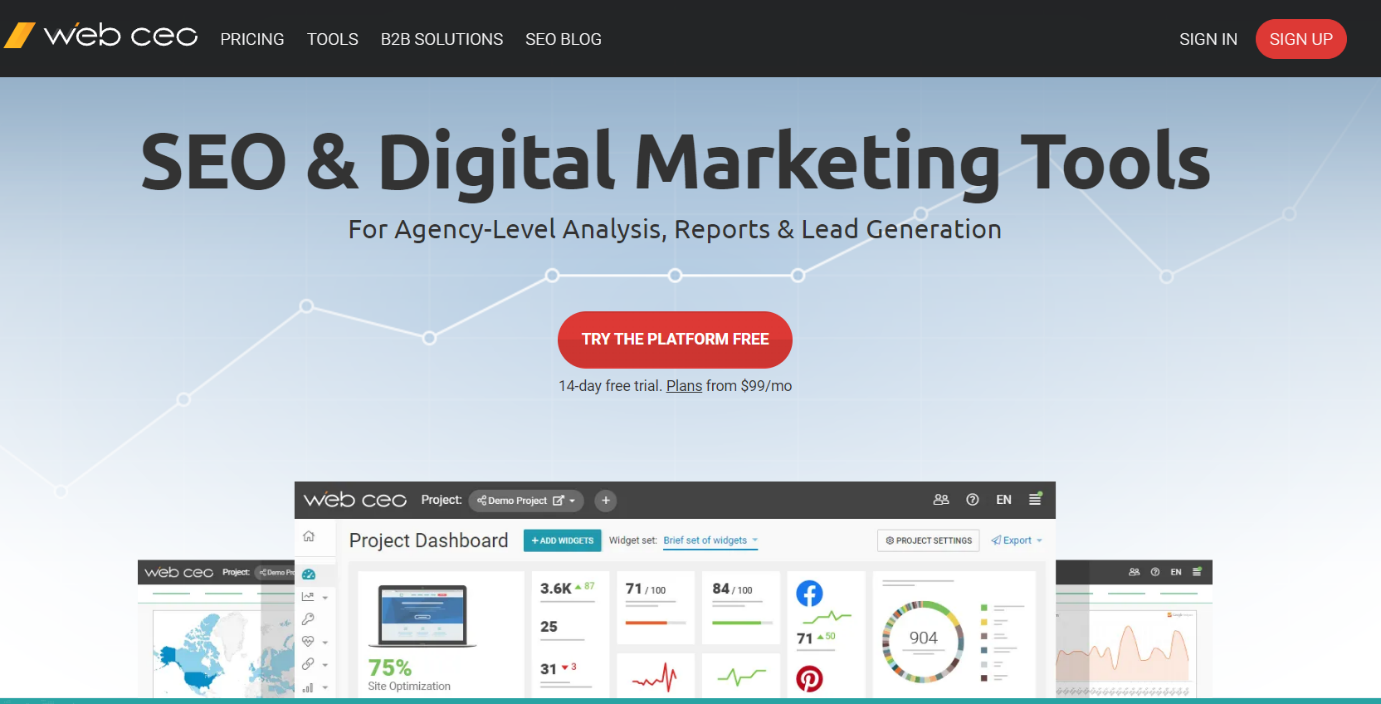
    WebCEO offers numerous tools that provide organizations with a comprehensive suite of features to optimize their search engine rankings. It offers a wide range of tools, including keyword research, rank tracking, backlink analysis, competitor research, and website auditing. 

    WebCEO’s robust reporting capabilities allow businesses to track their SEO progress, generate custom reports, and share insights with stakeholders. As an SEO reporting tool, it offers a custom white-label platform and reports, allowing users to customize the data as per their organization.

    • The platform offers four plans ranging from $37 to $299 per month.
    • G2 rating: 4.6/5

    16. SpyFu

    Spyfu

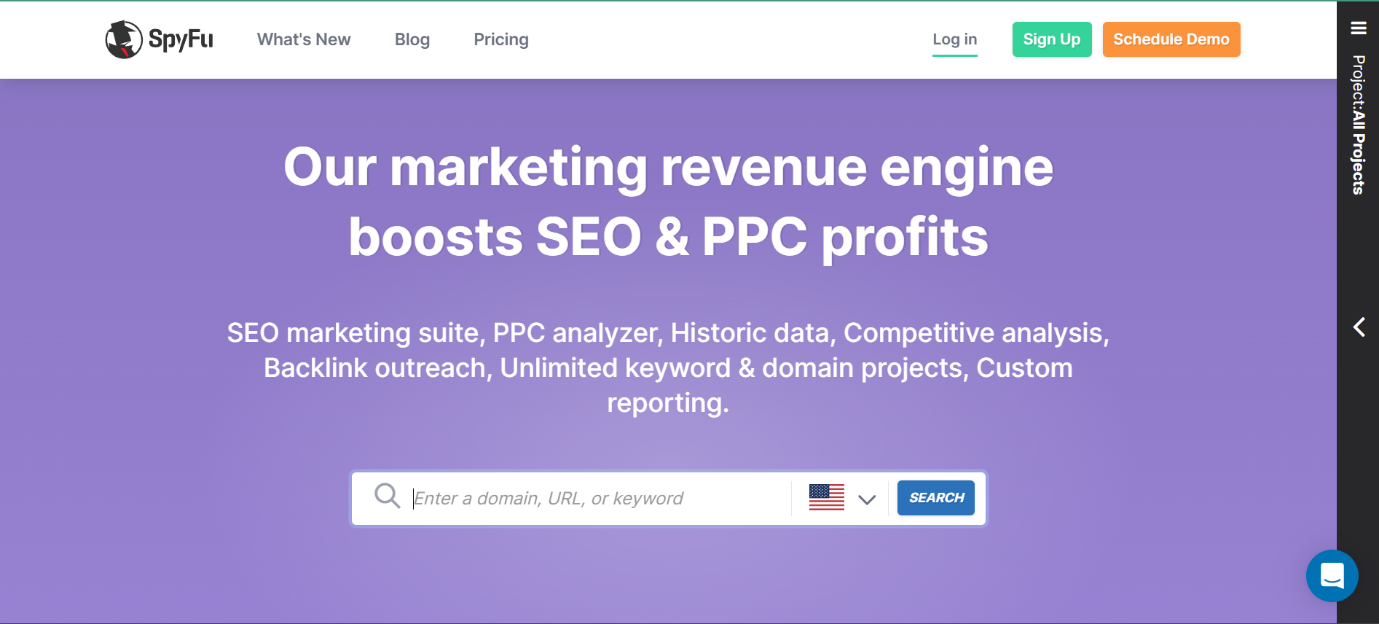
    SpyFu is an SEO marketing suite that comprises various tools to assist with content optimization requirements. It offers a range of features, including SEO keyword research, competitive intel, PPC, organizing projects, and creating SEO reports. 

    SpyFu allows businesses to discover trending and ranking keywords, identify their competitors’ strategies, and track their own performance in search engine rankings. Additionally, as an SEO reporting tool, the platform also provides SEO recon reports, tracking the progress and detailing the opportunities which could have been optimized better.

    • SpyFu offers three plans to choose from. These range between $39 to $299 per month.
    • G2 rating: 4.6/5

    17. Google Analytics

    google seo analytics

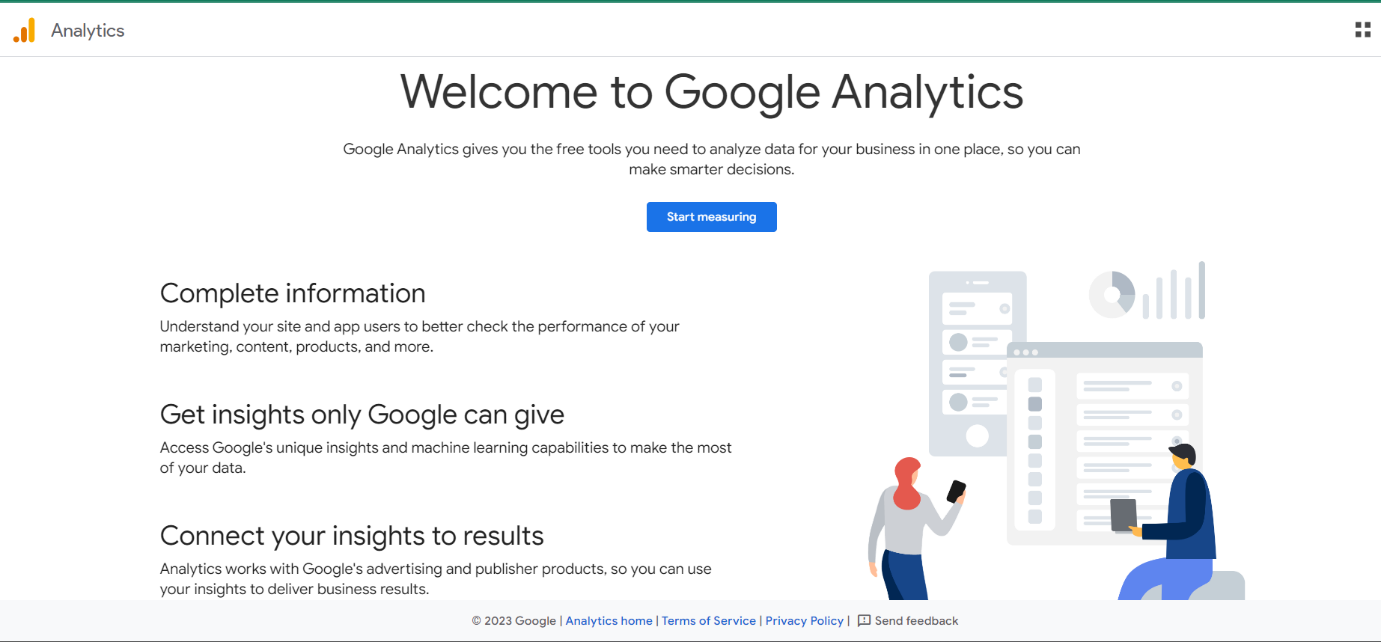
    ­­­Google SEO Analytics is a free tool offering detailed insight into website ranking, traffic, user analytics, and real-time reporting. It is designed in a manner to help organizations implement more informed and data-driven content optimization strategies. 

    The platform tracks a variety of metrics, including website traffic, user behavior, and conversion rates, which can assist in identifying areas for improvement. With its SEO reporting tool, Google Analytics also provides custom reporting and data visualization features, making it easy to share insights and get a detailed overview. 

    • G2 rating: 4.5/5

    18. Semrush 

    SEMrush

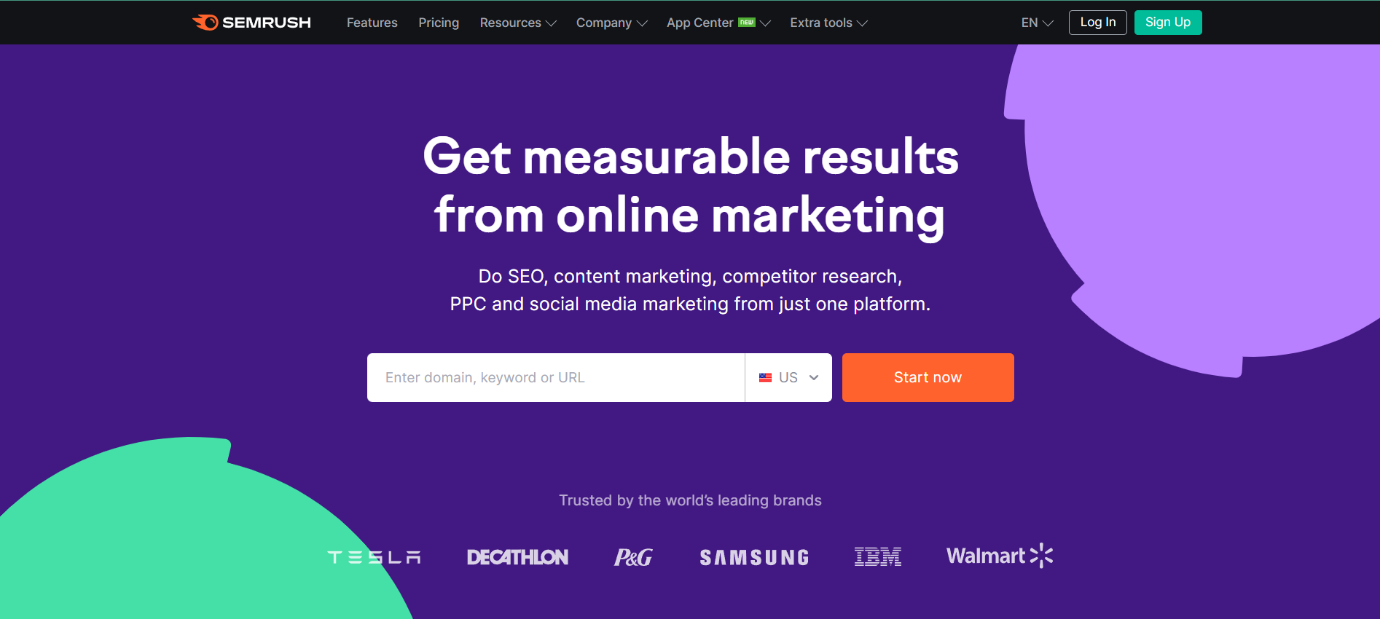
    SEMrush is an all-in-one SEO tool for organizations to optimize their content better, improve online visibility and ranking as well as attract more potential customers. The platform provides features including keyword research, competitor analysis, and site audit to help businesses identify areas for improvement in their SEO strategies. 

    Its SEMrush Deep Insights Reports, backed by leading market analytics, can help boost your organization’s online growth. Additionally, the platform also features an SEO reporting tool with the option to create automated PDFs with detailed insights regarding the optimization metrics and specific KPIs.

    • SEMrush offers three pricing plans, ranging from $119.95 up to $449.95. The platform also provides the option for a custom plan.
    • G2 rating: 4.5/5

    19. Ahrefs

    Ahref

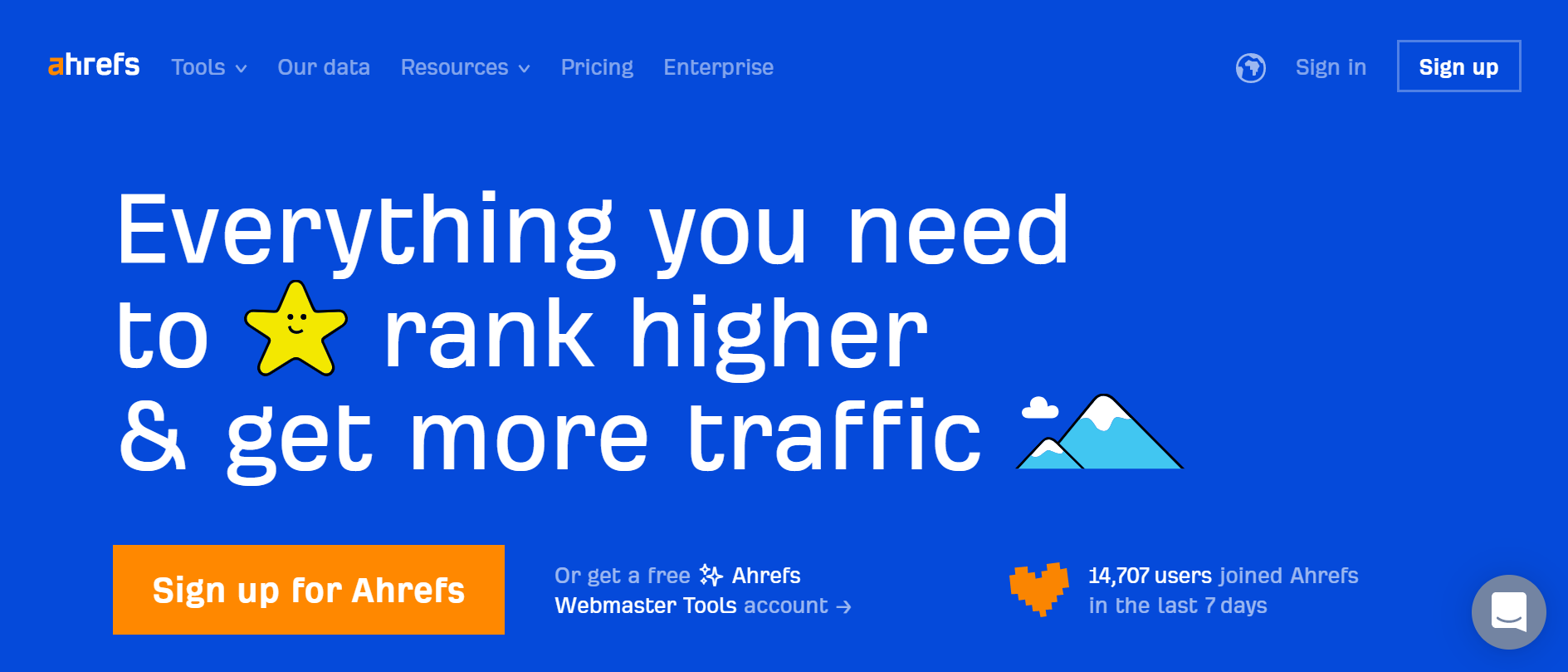
    Ahrefs is one of the most popular SEO platforms offering numerous core (paid) tools as well as a range of free SEO tools. Some of its tools include backlink analysis, rank tracker, keyword research, competitor analysis, site audit, etc. Its SEO dashboard provides a comprehensive overview and lets the user track numerous verified projects. 

    In addition to this, the platform also has the option to conduct site audits which automatically group the various website issues and provide SEO reports detailing a range of aspects and how the user can improve their content optimization.

    • Ahrefs features four plans, which range from $99 to $999 per month.
    • G2 rating: 4.6/5

    20. Moz

    Moz

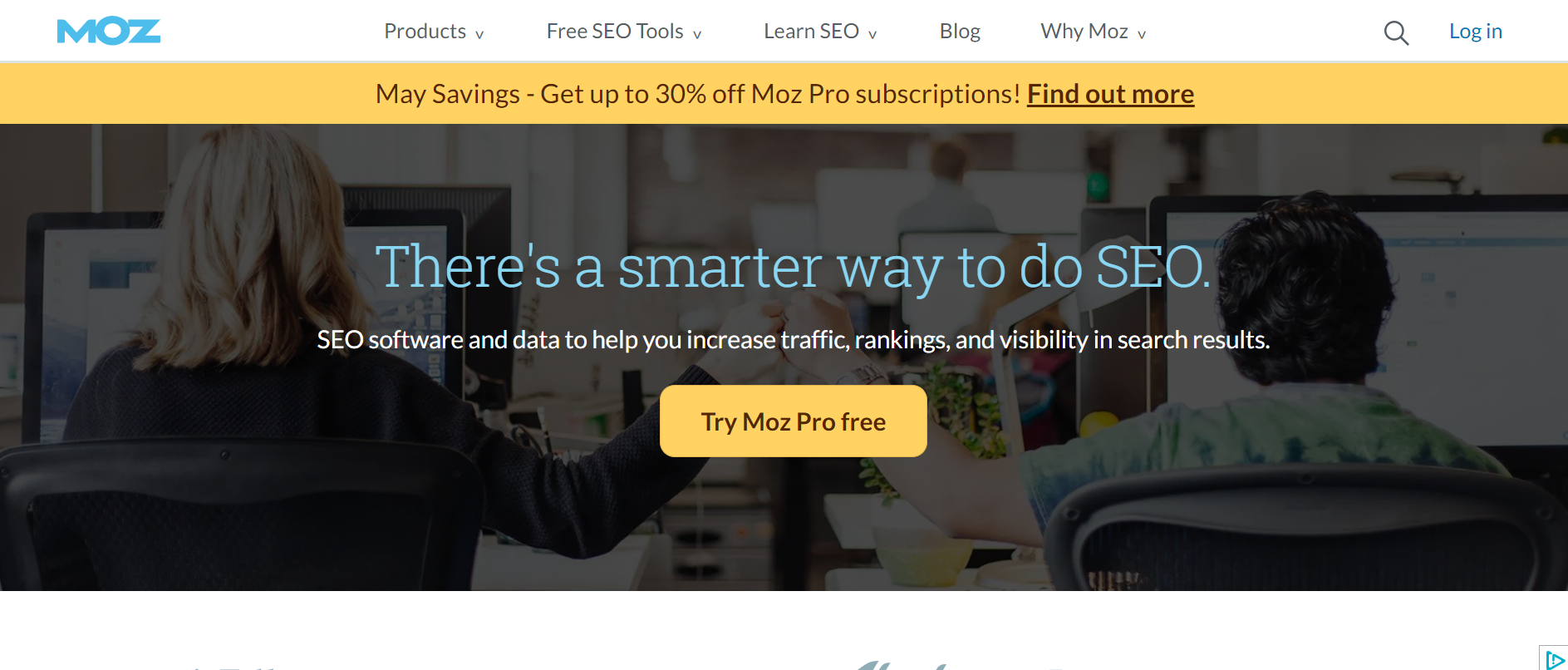
    Moz is an SEO platform that offers Moz Pro, Moz Local, and free SEO tools for users. It provides features, including keyword research, link building, and site audit, among others, to help improve search engine rankings and site traffic for organizations. 

    The platform provides a comprehensive backlink analysis tool for users to monitor and identify potential opportunities for improvement. Moz also features the option to create SEO reports while also providing templates and the option to customize these. The reports can include aspects such as search rankings, site crawl data, and links. It provides an overview of the optimization efforts and helps analyze the strategies introduced.

    • Moz offers four plans, ranging from $99 to $599 per month.
    • G2 rating: 4.4/5

    To Sum Up

    SEO reporting tools are essential for businesses that want to improve their online visibility and attract more customers. They offer numerous benefits, including improved tracking and analysis, competitor monitoring, and time savings. By using these tools, you can make informed decisions about your SEO strategy and optimize your website for search engine success.

    We recommend using tools like Ahrefs, SEMrush, and Moz for effective SEO reporting. These tools offer unique features to help you gain valuable insights into your website’s performance and stay ahead of the competition. Check back on our blog for more insights on content optimization and marketing.

    content writing services

    FAQs

    1. Which are the best SEO reporting tools?

    Some of the best SEO reporting tools in the industry right now, include Google Analytics, Semrush, Ahrefs, to name a few.

    2. How do SEO reporting tools work?

    Seo reporting tools work by analyzing a web page and compiling data about its SEO performance metrics. These can then be combined in a customizable SEO report or a white-lable report.

    3. Which SEO reporting tools offer keyword tracking?

    A few SEO reporting tools which also provide keyword tracking as SE Ranking, WooRank and Moz Pro.

    4. What are the features of popular SEO reporting tools?

    Popular SEO tools have several features such as competitor analysis, rank tracking, an overview of the SERP performance, along with custom automated reports based on organisation-specific KPIs. 

    5. How can I generate SEO reports using SEO reporting tools?

    To generate an SEO report, you must determine your marketing objects and put in place a few key-performance indicators. These can then be input into automated SEO reporting tools, creating a report within minutes.

    6. Do SEO reporting tools provide competitor analysis?

    Yes, some SEO reporting tools provide competitor analysis as well. These include Advanced Web Ranking, Link Research Tools (SEO Tools), Rank Ranger, Mangools, among others.

    7. What are the benefits of using SEO reporting tools?

    A few benefits offered by SEO reporting tools include a streamlined process for SEO analysis, efficiency with automated reports and in turn, a better content marketing strategy.

  • 27 Chrome Extensions For SEO To Outrank Your Competitors

    27 Chrome Extensions For SEO To Outrank Your Competitors

    Let’s face it- coming up with an effective SEO strategy takes a lot of time and effort. Especially when it comes to small in-house marketing teams, the process becomes even more time-consuming. 

    Does that mean you should abandon your dream of dominating the SEO rankings? Absolutely not! 

    According to research, businesses that invest in building solid SEO strategies with the right tools have an average conversion rate of 14.6%- it is significantly higher than traditional strategies with an average conversion rate of 1.7%. This proves that with the right resources and tools, you can easily streamline your SEO efforts and achieve exceptional results in no time.

    Although there is no secret pill when it comes to SEO success, integrated software programs, such as Chrome extensions, can immensely help you make data-driven decisions and gain a competitive edge in the long run. 

    Read on to discover the top 27 SEO Chrome extensions and explore how they can help you streamline your workflow this year.

    Let’s get exploring!

    27 Top Chrome Extensions For SEO to Explore in 2023

    Before we dive into the various extensions, it is important to understand the different kinds of extensions that can help you strengthen your SEO strategy. 

    • Keyword extensions provide comprehensive insight into the proper keywords you can target, their search volumes, competition levels, and various other factors.
    • Technical/backlink analysis SEO extensions help you identify and fix site optimisation and technical issues. 
    • On-page extensions primarily focus on analysing individual web pages to determine whether they’re well-optimised for search engines or not.

    Now, let’s take a look at the top 27 SEO Chrome extensions that can help you boost your website’s rankings effectively.

    1. MozBar
    Moz

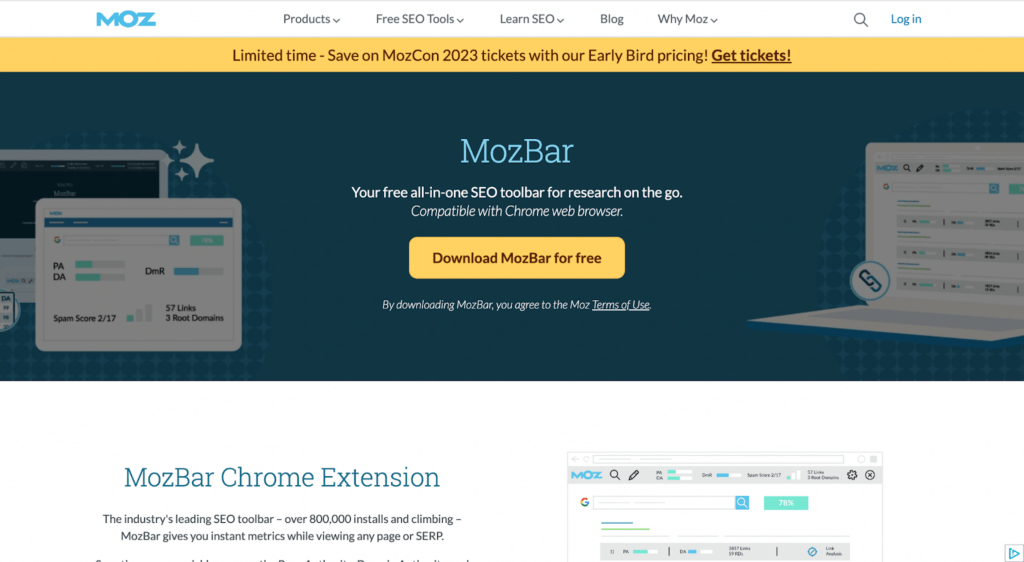
    With over 800,000 instals in a short span, MozBar has become one of the top free browser extensions that give you instant metrics when reviewing SERP or a page. 

    It helps marketers, SEO professionals, and website owners check broken links, analyse domain and page authority, and target the right keywords.

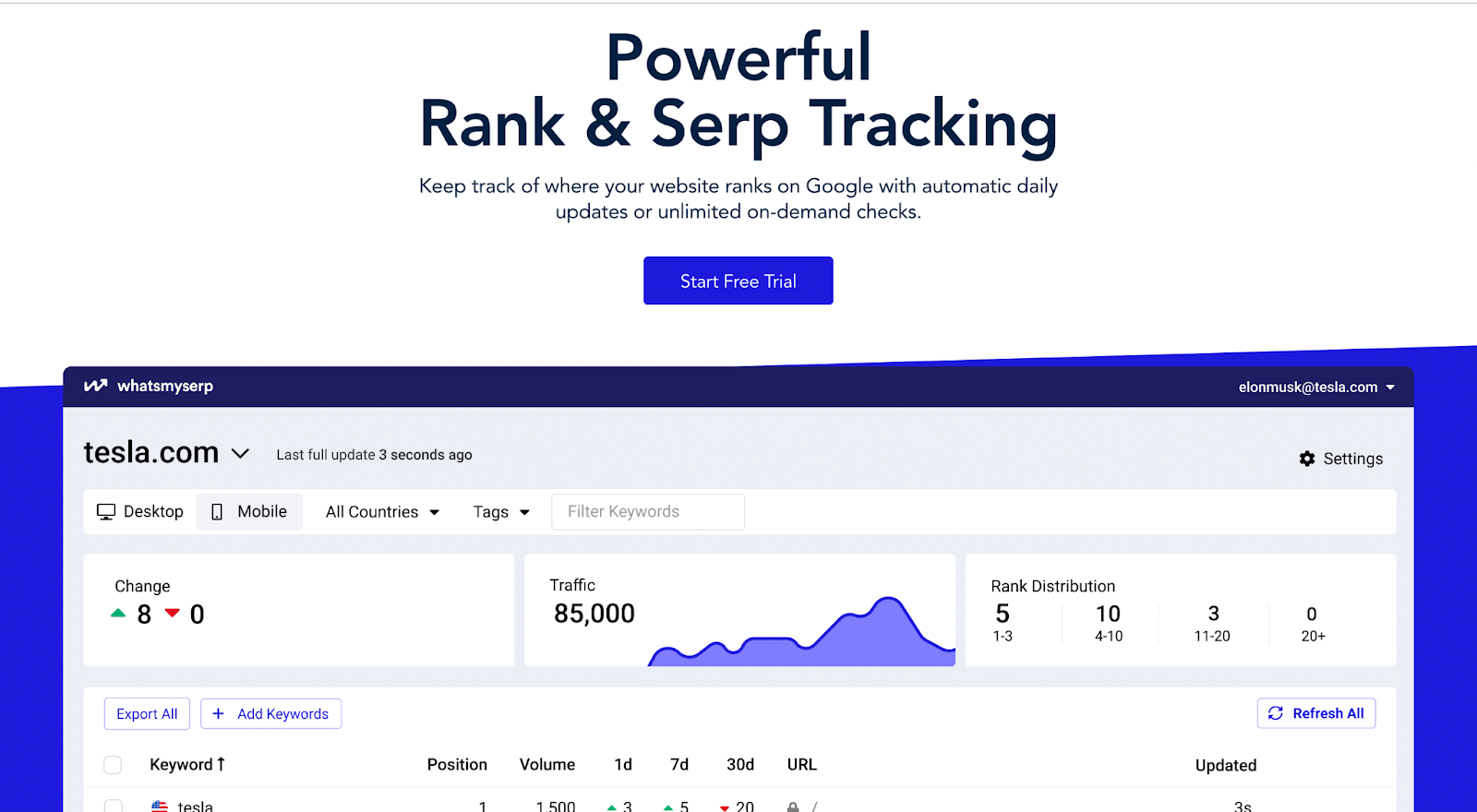
    1. Whatsmyserp

    Whatsmyserp is a free tool that allows marketers to use specific phrases and keywords to analyse their engine ranking position (SERP). It is updated on a daily basis, ensuring timely, accurate, and updated SERP results in no time.

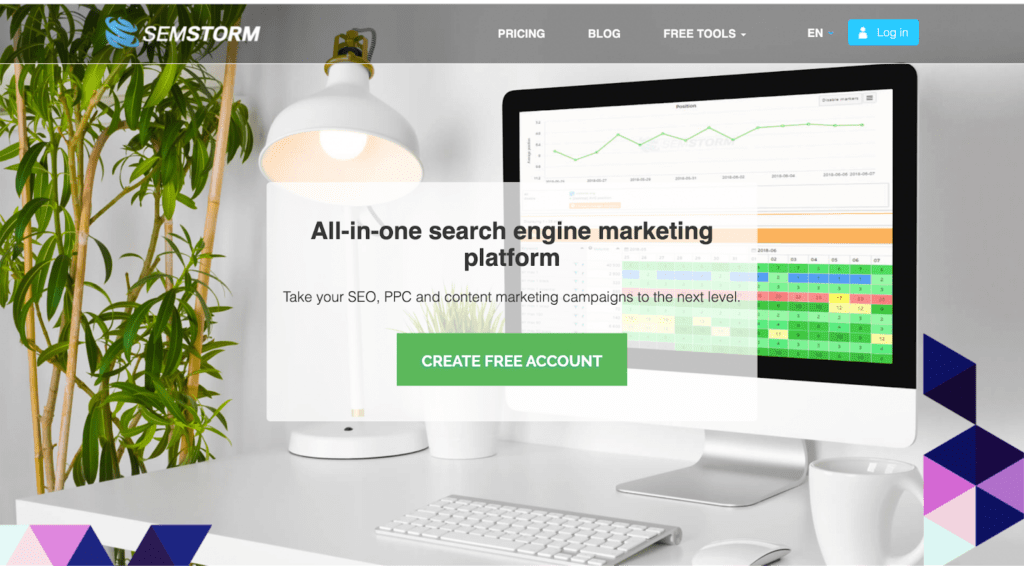
    1. SEMSTORM: Keywords

    SEMSTORM: Keywords is a smart digital marketing tool that enables users to conduct detailed competitive analysis and keyword research. It also comes in handy when it comes to PPC optimisation and overall content optimisation.

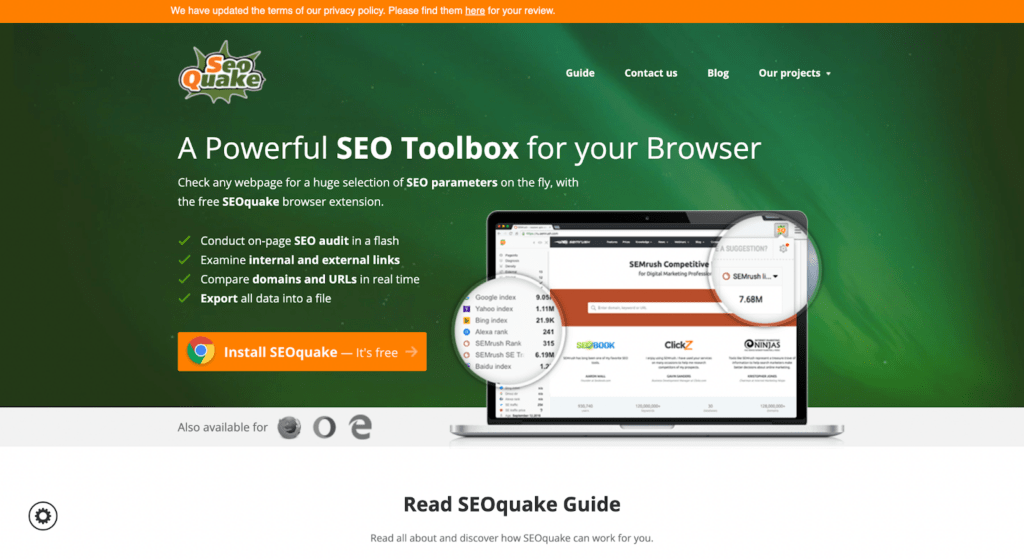
    1. SEOquake
    SEO Quake

    SEOquake enables marketers and website owners to analyse internal and external links, conduct on-page SEO audits, and compare existing URLs to improve the overall ranking of a website.

    1.  Link Grabber

    Link Grabber is an extension that allows marketers to find and extract meaningful links from various web pages on HTML pages. It helps marketers conduct link research, find and eliminate broken links, and find group links by domain.

    This extension also helps in filtering useful links and copying them to the clipboard for further analysis.

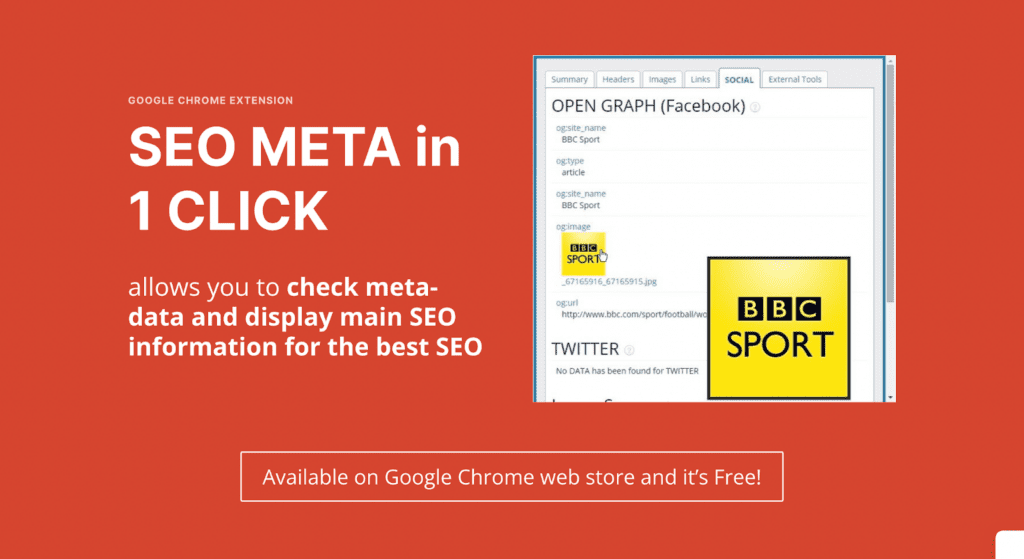
    1. SEO Meta in 1 Click

    SEO Meta in 1 Click is a Chrome extension that allows users to analyse several essential meta-data, such as page titles, meta tags, header tags, keywords, open graph tags, and so on. It has a user-friendly interface, allowing users to make the most out of it when it comes to analysing valuable SEO insights.

    1.  SEO Minion

    Trusted by over 300,000+ users, SEO Minion is a free tool that allows marketers with their daily SEO tasks, such as broken link checking, on-page SEO analysis, SERP preview, and more.

    This tool enables you to check all external and internal links on your web page. Apart from that, it has a unique feature that can export “People Also Ask” queries from the search engine page.

    1. Ahrefs

    With the record of updating metrics for 300M+ pages every 24 hours, Ahrefs has become one of the top search engine optimisation (SEO) tools in the content marketing industry today.

    It primarily helps marketers improve their overall online presence and visibility. 

    It also helps users improve several SEO tasks, which include, but are not limited to, competitor analysis, backlink analysis, keyword research, and overall content analysis.

    1. Serpstat

    Serpstat is a trusted online tool that enables its users to conduct thorough backlink analysis and keyword research. It is best suited for marketing professionals who aim to analyse insights into traffic distribution among domains.

    It can also help professionals get an overview of market share fluctuations and local search history by offering an advanced competitor analysis.

    1.  ChatGPT Content Brief Assistant
    ChatGPT

    Trained by Open AI, ChatGPT is a versatile language model that revolves around solving challenges in a conversational way. It asks follow-up questions and challenges incorrect premises to come to the best possible solution for its users.

    For content marketers, it offers a variety of applications. It can be used for content generation and high-quality brief generation. It also helps the users get an overview of the latest audience insights and trend analysis.

    1. LinkMiner

    Trusted by renowned brands like Airbnb, Alexa, and Adidas, LinkMiner is a powerful backlink checker that helps marketers analyse the nitty gritty of backlink analysis.

    It provides a detailed analysis of the backlinks of any URL or website- whether you want to analyse the number of backlinks/referring domains or a comprehensive overview of the competitors’ backlink-building strategy, this tool offers it all.

    It also enables you to explore new link-building strategies by offering a competitive analysis of websites to ensure you stay on top of your marketing game.

    1.   RocketReach Chrome Extension

    Trusted by over 16 million users, RocketReach Chrome Extension offers quick navigation when it comes to looking up company information, the contact information of organisations, and other contact-related details associated with a specific company or website. Its clientele includes renowned names like Facebook, Disney, Amazon, Microsoft, Google, and Intel.

    1. WooRank Chrome Extension

    WooRank Chrome Extension helps users get an overview of their website’s overall performance. It helps them improve their online presence with the help of helpful SEO tactics and performance tips. 

    It comes with a free and a paid version- depending on your SEO requirements- select any one version based on your requirements. You can also choose to use the free version for a while and then switch to the paid one later.

    1.  FatRank 

    FatRank is a trusted extension that allows you to track your website’s rankings for specific keywords. It offers an extensive list of keywords and their website URLs, which helps you get a detailed ranking report. This report can help you understand your website’s current position on various search engines.

    1.  SEO Spider 

    SEO Spider is a website crawler that primarily aims at improving users’ online SEO by auditing for common SEO issues. The on-page optimisation tactics it offers help users identify areas for improvement and improve their overall online presence in the long run. You can try their free version first before purchasing their paid offers.

    seo content writing services
    1. Free Backlink Checker by LRT

    As the name suggests, the Free Backlink Checker by LRT is a free online tool that helps website owners improve their SEO performance and overall backlink profile. 

    With this tool, you can easily identify potentially harmful links that could lead to negative results. You can also identify spammy or broken, invalid, and low-quality links- it will help you eliminate such links and add proper backlinks that will boost your website’s rankings.

    1. Keywords Everywhere

    Keywords Everywhere can be installed on both Chrome and Firefox. It allows users to analyse important data about keywords, search volumes, and competition levels of keywords. 

    1. Portent’s SEO Page Review 

    If checking basic onsite SEO is what you’re looking for, Portent’s SEO Page Review can be helpful. It can be highly beneficial in terms of analysing meta tags, meta descriptions, title tags, canonical links, on-page links, open graphs, and the overall content of your existing website.

    1. Open SEO Stats

    Formerly known as PageRank Status, Open SEO Stats is a tool that allows website owners to deeply analyse the existing backlinks along with several essential SEO metrics. Due to its user-friendly and updated interface, this tool is now trusted by over 200,000 users across the globe.

    Along with the SEO metrics, this tool also helps marketers analyse their indexed pages, cached pages, Google page rank, etc.

    1.  SeoStack Keyword Tool

    Brought to you by SEOStack, SeoStack Keyword Tool is a free online tool that enables users to find long tail keywords for their websites. 

    With over 70,000+ marketers and SEO professionals relying on this tool as the go-to long-tail keyword generator, it has become a staple for many looking to improve their SEO rankings today.

    One of the top features of this tool is the fact that it helps you get keyword suggestions from various search engines, such as Google and Youtube, among others. It also helps marketers to generate a list of related keywords to incorporate into their SEO strategies.

    1.  PageImprove

    Pagelmprove is one of the best SEO extensions for Chrome that allows website owners to tweak their existing pages quickly. It helps with tweaking the existing H1 pointers, meta tags, titles, and canonicals, among other things.

    This is a detailed SEO extension that can save you a lot of time and effort you’d otherwise put into revamping your web content. You don’t have to wait for developers to refresh your content- this tool will take care of that for you. 

    The best part is that the entire process takes very little time while making the existing content of your page as up-to-date and accurate as possible.

    1.  Robots Exclusion Checker 

    Robots Exclusion Checker helps website owners analyse whether any exclusions or robots are harming the search engine rankings of their sites. The tool reports on various elements, such as Meta Robots tag, X-robots-tag, Robots.txt, Rel=Canonical, etc.

    1. Meta SEO Inspector

    Meta SEO Inspector is a brilliant tool when it comes to analysing meta information of web pages. Marketers use this tool to find issues with meta tags, Open Graph tags, canonicals, structured data, and subheadings.

    This tool also comes in handy to analyse advanced data about the external and internal scripts used on web pages.

    1.  Schema Builder for Structured Data

    If generating and testing structured data markup is a concern for you,

    Schema Builder for Structured Data might just be your best friend. It is a free Chrome extension that helps users generate structured data markup for any webpage. It supports all Google-supported markups, making it a convenient tool for both beginners and professionals.

    1. Keyword Surfer

    Keyword Surfer allows you to analyse the cost-per-click, search volume, estimated traffic, number of used keywords, etc. With its user-friendly interface, it comes in handy for both beginners and professionals in the content marketing industry.

    1.  Glimpse

    Glimpse can be highly beneficial for SEO professionals and marketers who want to gain insights into the latest Google trends and user behaviour. 

    This tool can help you analyse related topics, top queries related to a search term, related keywords, and more. Along with that, you can compare and analyse different search terms to determine the latest keywords that can boost your website.

    However, note that the free version only allows ten searches in a month. So, take the paid subscription in case you want to conduct more extensive keyword research.

    1.  Ninja Outreach Lite

    Ninja Outreach Lite is a free Chrome SEO plugin designed to offer unique outreaching tactics to marketers. It primarily helps marketers access relevant contacts for marketing campaigns. Getting access to such contacts helps marketers build successful campaigns. 

    On top of that, this tool comes in handy when checking broken links- it also helps you find relevant replacement links. Consequently, improving your website’s trustworthiness becomes easier if you have access to this tool.

    Conclusion

    The 27 extensions and tools mentioned above are a small glimpse of the variety of Chrome extensions available to users- they help you simplify your daily tasks, improve productivity, provide an excellent browsing experience, and improve your overall search engine optimisation efforts.

    No matter whether you are a writer, developer, marketer, SEO professional, website owner, agency owner, or simply someone who wants to make the most out of your browsing experience, there’s something for everyone on this list. 

    So why wait? Try out a few extensions and see how they improve your browsing experience today!

    Content Writing Services

    FAQs

    1. What are the best Chrome extensions for SEO?

    Some of the best Chrome extensions for SEO include Ahrefs, WooRank, Ninja Outreach, Semrush, SEOStack Keyword Tool, FATRAnk, Portent’s SEO Page Review, SEOquake, and Meta SEO Inspector, to name a few.

    1. How do I use Chrome extensions for SEO?

    Given below are the steps you can take to use Chrome extensions for SEO:

    • Be clear on what kind of extensions will be beneficial as per your SEO strategy
    • Compare different Chrome extensions to determine which ones will be best suited for you
    • Make sure you have the Chrome browser installed on your device
    • Activate it and make the most out of it to improve your marketing game

    Make sure you check reviews beforehand and install trustworthy extensions that will not harm your website or device in any way.

    1. Are there any free Chrome extensions for SEO?

    Yes, there are many free Google Chrome extensions for SEO. Some of them are MozBar, Whatsmyserp, Woorank, SEO Spider, SeoStack Keyword Tool, and SEO Minion. Some of these also come with paid versions, but you can try the free version first before taking the paid subscription if you want to.

    1. What Chrome extensions are good for keyword research?

    Various Chrome extensions can help you conduct thorough keyword research and boost your website rankings. Some of them are Keyword Surfer, Keywords Everywhere, SEOStack Keyword Tool, SEMSTORM: Keywords, Glimpse, and MozBar, to name a few.

    1. How do I choose the right Chrome extension for SEO?

    There are a plethora of Chrome extensions available today. In order to choose the right extension, you have to have a clear understanding of what your SEO strategy looks like and what it requires. Once you have a fair idea of what you want, look for the best Chrome SEO extensions that are popular and have good reviews online.

    On top of that, don’t forget to analyse and compare different extensions and the features they offer. Based on that, select extensions that are easy to use and serve your purpose in a hassle-free manner.

    1. Can Chrome extensions help with website optimisation?

    Yes, Chrome extensions can be highly beneficial when it comes to website optimisation. There are various aspects that can be improved by Chrome extensions, such as keyword research, on-page optimisation, analysing backlinks, identifying technical errors, and more.

    1. What Chrome extensions are useful for backlink analysis?

    There are several Chrome extensions that are useful for backlink analysis. Some of them are Ahrefs, MozBar, SEMrush, Serpstat, Link Miner, and Open SEO Stats, to name a few.

  • Semantic SEO: Maximize Your Website’s Rank With These Techniques

    Semantic SEO: Maximize Your Website’s Rank With These Techniques

    Are you tired of playing the keyword-guessing game when it comes to SEO?

    Look no further than semantic SEO. This approach shifts the focus from cramming keywords into your content to creating meaningful, relevant content that answers the questions and addresses the intent of your target audience.

    By understanding the relationships and connections between different words and phrases, search engines can better understand the context and meaning behind your website content, leading to higher visibility and more qualified traffic.

    So, if you want to stay ahead of the competition and provide a better user experience for your audience, let’s explore the power of semantics in SEO and see how it can take your online presence to new heights.

    Understanding Semantics in SEO

    Semantics in SEO refers to the study of the meaning of words and phrases in the context of search engine optimization.

    This includes understanding how search engines interpret the content on a website and how to use language and structure to improve a website’s visibility in search engine results.

    By understanding semantics in SEO, you can improve your website’s ability to rank well in search engine results and ultimately drive more traffic.

    How Semantics Impact Search Rankings

    1. Relevance: Semantics plays a crucial role in determining the relevance of a webpage to a user’s query. Search engines use natural language processing (NLP) to understand the meaning of the content on your webpage and match it with the user’s query. Websites that use relevant keywords and provide useful information will rank higher on search engine result pages (SERPs).
      • Quality Content: Semantics helps search engines like Google understand the quality of the content on a webpage. Websites with well-written, informative, and in-depth content organized in a logical structure will be considered to have better quality content and will be ranked higher on SERPs.
    2. Latent Semantic Indexing: Search engines use Latent Semantic Indexing (LSI) to understand the relationships between words and phrases on a webpage. LSI helps search engines understand the meaning of a webpage by looking at the words used in the content and the context in which they are used.
    3. User Intent: Search engines also leverage semantics to understand the user’s intent behind a query. Websites that provide content tailored to the user’s intent will be considered more relevant and thus ranked higher in search results. By analyzing the user intent, you can optimize the content and structure to best match the user’s needs.

    Examples of Semantic Keywords and Phrases

    Semantically related keywords and phrases are groups of words that are related in meaning to a main keyword or phrase. They’re often used to provide additional context and information about the main keyword or phrase.

    For example, if the main phrase is “organic food,” semantically related phrases could include “natural food,” “non-GMO food,” “pesticide-free food,” “locally sourced food,” “sustainable farming,” and so on.

    Some other examples of semantically related keywords are:

    • “running shoes” and “athletic shoes”
    • “organic produce” and “natural food”
    • “marathon training” and “long-distance running”
    • “leaky faucet” and “plumbing repair”
    • “smoothie recipe” and “healthy breakfast”
    • “business plan” and “startup strategy”

    Here are some examples of semantic phrases:

    • “running shoes” and “best athletic shoes for running”
    • “organic produce” and “non-GMO fresh fruits and vegetables”
    • “marathon training” and “long-distance running preparation”
    • “leaky faucet” and “DIY faucet repair guide”
    • “smoothie recipe” and “smoothie ideas for a healthy lifestyle”
    • “business plan” and “strategies for a successful startup”

    You’re bound to wonder, has Google always been that semantic?

    Definitely not. It had its own evolution—let’s learn about that in the next section. 

    Semantic SEO and Google Updates

    Over the years, Google updates have focused on understanding the meaning behind a user’s query and providing more relevant results.

    With each update, Google’s ability to understand natural language, context, and user intent has become more advanced. Hence, there’s no better time than now to leverage semantic SEO to rank better on SERPs.

    Take a look at the evolution of semantics in SEO with these key Google updates:

    1. Hummingbird: In 2013, Google released the Hummingbird update, which was designed to better understand the meaning behind a user’s query rather than just matching keywords.
    2. RankBrain: In 2015, Google launched the RankBrain update. Thanks to machine learning technology, RankBrain improved how Google handled queries with natural language and long-tail keywords.
    3. BERT: In 2019, Google released the BERT update. It helped Google understand more complex queries and thus provide more relevant results.
    4. Passage-based indexing: In 2020, Google started to roll out passage-based indexing, a feature that allows Google to understand and index specific parts of a webpage instead of just the whole page. With this feature, Google can understand the relevance of specific sections of a webpage to a user’s query and return that passage to SERPs.

    Now that you understand how semantic SEO has evolved over the years and how it impacts search rankings, it’s time to introduce you to key strategies. 

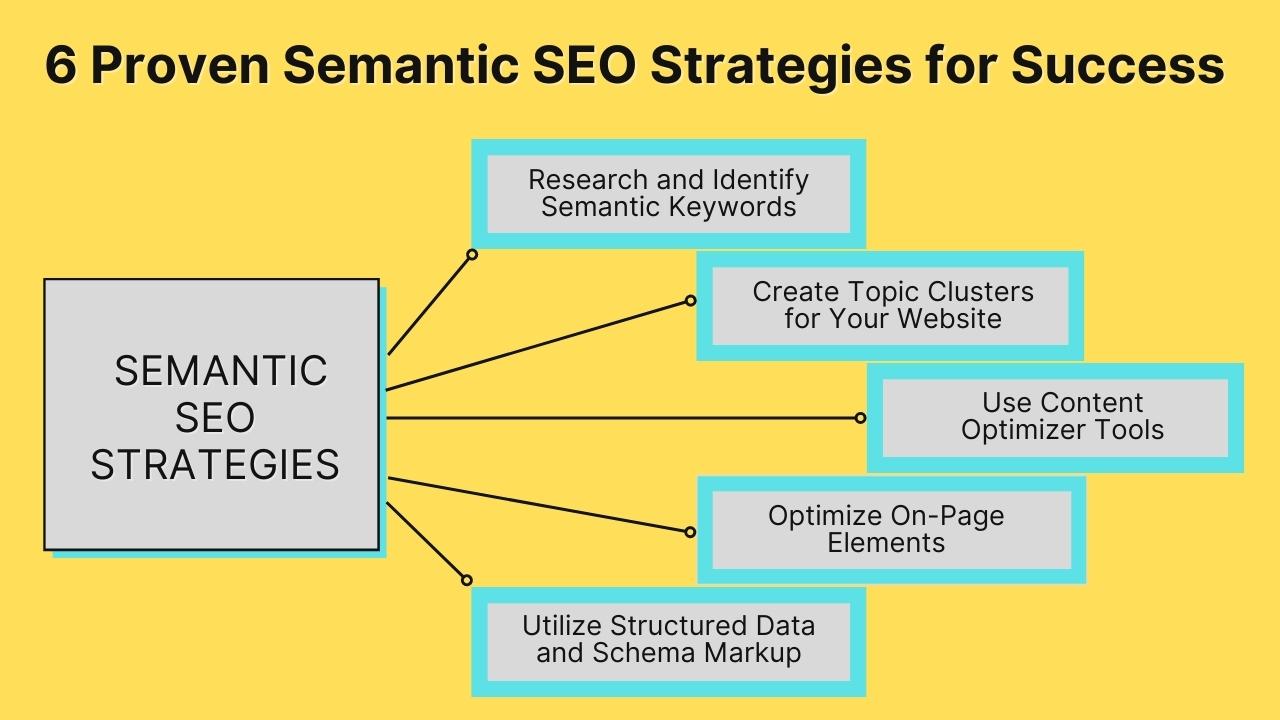
    6 Proven Semantic SEO Strategies for Success

    If you want to stay ahead of the competition and give your website the best chance to rank highly in search results, implementing semantic SEO strategies is a must.

    Listed below are six such strategies:

    1. Research and Identify Semantic Keywords

    There are several ways to conduct semantic keyword research:

    • Use keyword research tools: You can use keyword research tools, such as Google Keyword Planner, SEMrush, Ahrefs, etc. These tools can provide data such as search volume, competition, and cost-per-click (CPC), which can help you prioritize which keywords to target.
    • Analyze your competitors: Assess the content and keywords your competitors are using to identify opportunities for your own content.
    • Check related searches: Use the “Searches related to” section at the bottom of the SERP to find other semantic keywords.
    • Use LSI keywords: You can find LSI terms using tools such as LSIGraph, SEMrush, and Ahrefs.
    • Look into the questions: Identify the questions that people are asking that are related to your main keyword. Use these questions as keywords to optimize your content. Tools like AnswerThePublic are designed for this purpose.

    It’s important to find the right semantically related keywords that align with the intent of your target audience and incorporate them into your content organically.

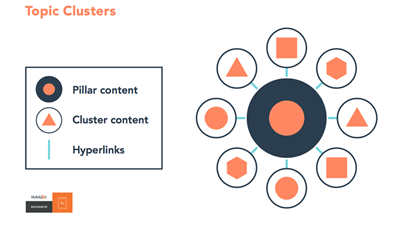
    2. Create Topic Clusters for Your Website

    Image Source

    Topic clusters are groups of related content that all center around a specific main topic.

    These clusters typically include one main piece of content, known as the “pillar” page, which provides an overview of the main topic, and several additional pieces of content, known as “cluster” pages, that dive deeper into subtopics related to the main topic.

    The pillar page and the cluster pages are all linked together, with the pillar page linking to the cluster pages and the cluster pages linking back to the pillar page.

    This creates a web of interconnected content that helps search engines understand the relationship between the different pages and thus improves your site’s semantic SEO signals.

    Additionally, it makes the website structure more user-friendly, easy to navigate, and improves the user experience.

    3. Use Content Optimizer Tools

    First things first, what is content optimization?

    It’s the process of improving the quality and relevance of the content on a website to make it more appealing to both users and search engines. This can include things like:

    • Researching and incorporating relevant keywords
    • Improving the content’s readability 
    • Enhancing the user experience through the use of images, videos, and other multimedia
    • Optimizing meta tags and other on-page elements
    • Creating high-quality and unique content that provides value to the audience
    • Optimizing the website’s structure, URLs, and hierarchy
    • Ensuring the website’s speed is optimal and mobile-friendly

    Many different tools are available to help you optimize content.

    Some popular examples include:

    • Google Analytics: This is a free tool used to track website traffic and analyze user behavior. It can help you identify which pages are most popular and which pages might need to be optimized.
    • Yoast SEO: This is a WordPress plugin that can help optimize website content for search engines. It provides an analysis of the content and suggests ways to improve it, such as by incorporating keywords and enhancing readability.
    • Moz: This is a paid tool that can be used for keyword research, link building, and competitor analysis. 

    4. Optimize On-Page Elements

    On-page optimization is a key element of semantic SEO, as it helps search engines understand the context of your content.

    Some common on-page SEO techniques include:

    • Keyword research: Identifying the keywords that people are searching for in relation to your content and using them strategically in your website’s metadata (title tags, meta descriptions), content, and URLs.
    • Title tags and meta descriptions: Creating compelling title tags and meta descriptions that accurately reflect the content of your webpage and include keywords.
    • Header tags (H1, H2, H3): Using header tags to organize your content and make it easy for search engines to understand the structure of your webpage.
    • Content optimization: Creating high-quality, informative, and engaging content that satisfies the user’s intent and includes keywords organically.
    • Internal linking: Linking to other relevant pages within your website to help search engines understand the hierarchy and structure of your site.
    • Image optimization: Optimizing images by using descriptive file names and alt tags and compressing them to improve page loading speed.
    • URL structure: Creating clear and concise URLs that include keywords and are easy to understand.
    • Sitemap: Submitting a sitemap to search engines to make it easier for them to crawl and understand your website’s structure.
    • Structured data: Using structured data to provide additional information about your website to search engines, such as product details, business information, and reviews.
    • Mobile optimization: Optimizing your website for mobile devices to ensure that it loads quickly and is easy to navigate.

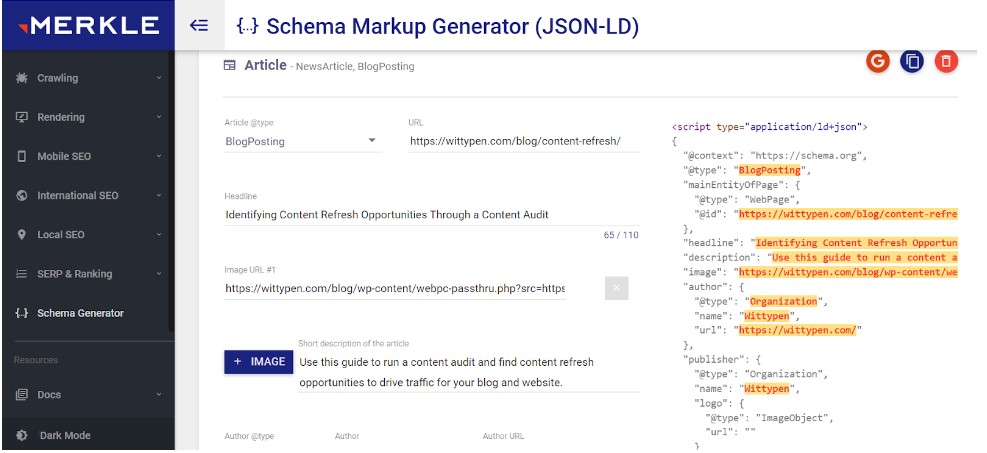
    5. Utilize Structured Data and Schema Markup

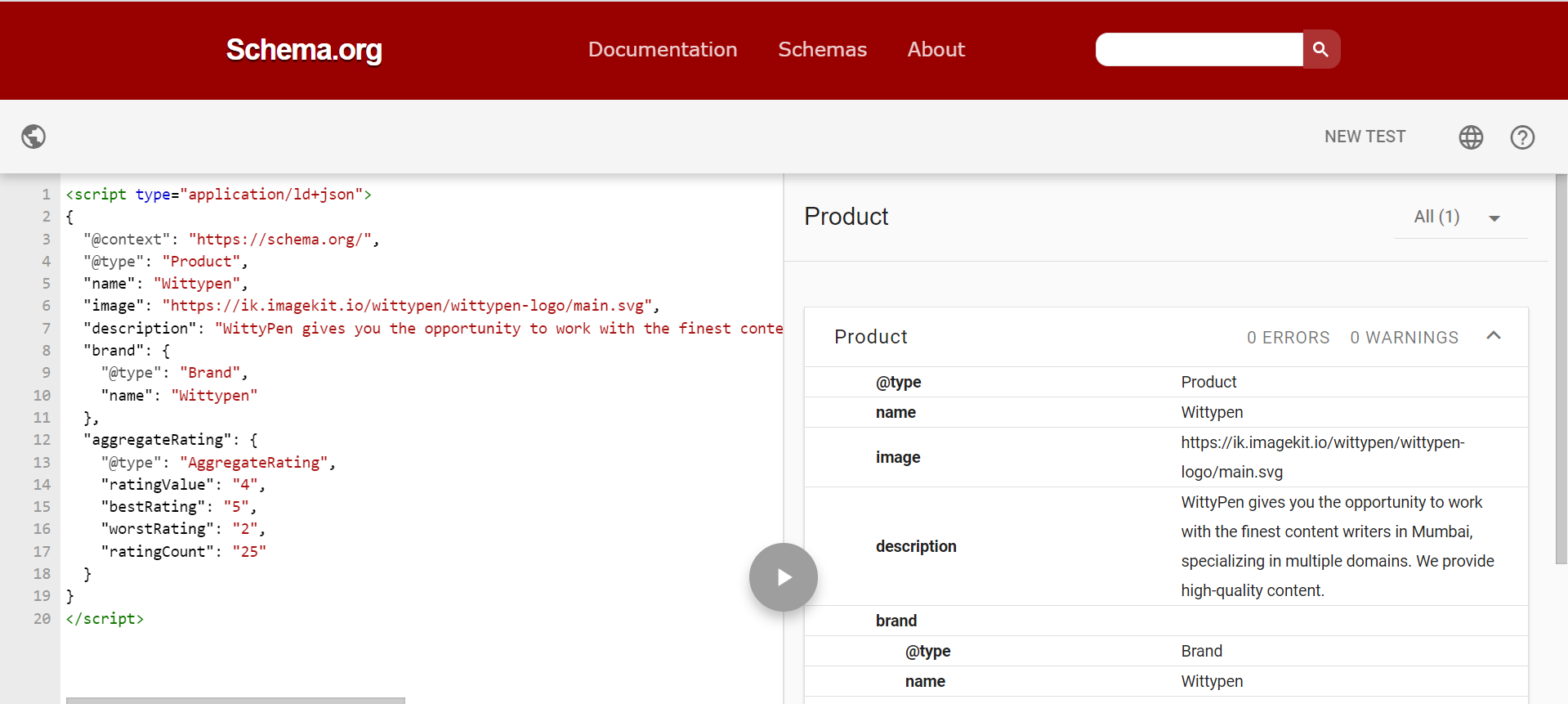
    Schema markup, also known as structured data, is a way to annotate your website’s HTML code to help search engines better understand the content on your pages.

    By providing additional information about the types of data on your pages, such as reviews, events, or products, you can help search engines more accurately understand the content of your website, which can help improve its visibility in search results.

    There are several types of schema markup, including:

    • Microdata: A format for embedding structured data within HTML documents.
    • RDFa: A format for embedding structured data within HTML and XHTML documents.
    • JSON-LD: A lightweight format for embedding structured data within JavaScript code.
    • Microformats: A set of simple, open standards for marking up HTML to indicate the meaning of specific elements.
    • Open Graph: A protocol for embedding structured data within the head section of a webpage, primarily used for social media sharing.
    • Twitter Cards: A protocol for embedding structured data within the head section of a webpage, specifically for tweets.

    Each of these types of schema markup serves a different purpose and is used by different search engines and platforms. It’s important to choose the right type of schema markup for your website based on your goals and the platforms you want to optimize for.

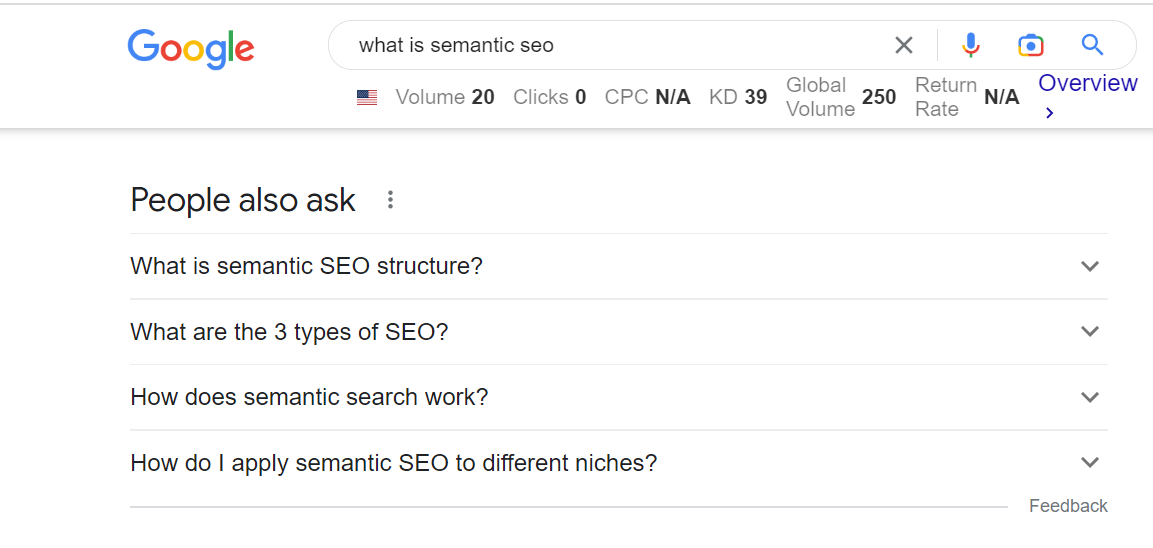
    6. Respond to ‘People Also Ask’ Questions

    Google now shows the “People Also Ask” box for 48.4% of search queries, as reported in a recent study conducted on 2.5 million search queries.

    Incorporating People Also Ask (PAA) questions into your content can help improve semantic signals for your website. You can do so by:

    • Researching PAA questions relevant to your topic and including answers to those questions in your content. This will signal to search engines that your content is relevant and informative for those specific questions.
    • Using the PAA questions as inspiration for creating new content pieces. For example, if a PAA question is not directly answered in your article or blog post, you could create a new piece that specifically addresses that question.
    • Using the language and phrases from the PAA questions in your content as semantic keywords.

    Sematic SEO Tips for Optimizing Your Website

    Now that you’re familiar with semantic SEO strategies, here are some tips to support them:

    1. Create High-Quality, Relevant Content

    Here are a few reasons why creating high-quality, relevant content is crucial for semantic SEO:

    • High-quality content is more likely to be shared and linked to by other websites, which can help increase the authority and trustworthiness of your website.
    • Relevant content is more likely to be found by search engines as it’s more likely to match the intent behind a user’s query. 
    • Google’s algorithm uses metrics such as click-through rate (CTR) and dwell time to understand user engagement on web pages. High-quality content can improve these metrics, which can help boost your search rankings.

    2. Use Long-Tail Keywords and Natural Language

    For effective semantic SEO, use long-tail keywords and natural language because:

    • Long-tail keywords are both less competitive and more specific compared to short-tail keywords. They’re also more likely to match the intent behind a user’s query, which can help increase the relevance and visibility of your content in search results.
    • Long-tail keywords can help you rank for a variety of related search queries, which can increase the visibility of your content and drive more traffic to your website.
    • Using natural language in your content helps you improve the readability of your content and make it more user-friendly. This can help increase your site’s user engagement, which can positively impact your search rankings.

    3. Incorporate LSI Keywords and Synonyms

    LSI keywords and synonyms can help you avoid keyword stuffing, as you can use different terms to express the same concept, which can help you avoid penalization from search engines.

    Moreover, LSI keywords and synonyms can help you rank for various related search queries, increasing your content’s visibility. 

    Here are a few examples of LSI keywords for the main keyword, “dog food”:

    • Canine nutrition
    • Dry dog food
    • Wet dog food
    • Grain-free dog food
    • Premium dog food
    • Natural dog food
    • Homemade dog food
    • Dog food brands
    • Dog food ingredients
    • Dog food recalls
    • Dog food allergies
    • Dog food storage

    These LSI keywords help provide additional context and information related to the main keyword and can be used in content and meta tags to improve SEO content.

    It’s important to note that LSI keywords are not always used just to improve SEO; they’re also used in NLP tasks and text classification.

    4. Create Schema Using ChatGPT and Online Schema Generator

    Did you know you can generate schemas using an online schema generator and ChatGPT?

    • An online schema generator is a tool that allows users to create a schema through a web-based interface. You can export the generated schema in a format that can be used to build the actual database.
    • ChatGPT is a large language model developed by OpenAI. It’s based on the GPT (Generative Pre-trained Transformer) architecture, which uses deep learning techniques to generate human-like text.

    Apart from these tips, it’s crucial that you’re aware of the common semantic SEO mistakes to avoid, discussed next.

    Common Mistakes to Avoid in Semantic SEO

    Semantics is an important part of any SEO strategy, but it can be tricky to get right. Here are some common mistakes to avoid to ensure your SEO efforts are successful –

    1. Overstuffing Keywords

    Keyword stuffing can do more harm than good and get you penalized by search engines. Doing so can not only hurt your search engine rankings but also make your content difficult to read and put off potential readers. 

    2. Neglecting User Experience and Relevance

    It’s easy to overlook user experience and relevance when it comes to semantic SEO, but doing so can be a costly mistake. Neglecting these two can lead to poor website performance and decreased visibility in search engine rankings.

    3. Ignoring the Importance of Structured Data

    If you’re not using structured data, you’re missing out on one of the most powerful tools in the semantic SEO arsenal.

    Structured data is essential for providing search engines with the information they need to understand your content and ensure your website is visible to the right people.

    Conclusion

    Semantic SEO is a great way of optimizing your website’s content to make it more easily understood by search engines. Using the right words and phrases and organizing your content in a way that helps search engines understand the meaning and context of your pages can reap you rich dividends.

    For one, it can help your website rank higher in search results, making it more likely that people will find your site when searching for information related to your business or industry.

    So, get going—implement the tips mentioned in this guide and regularly monitor your website’s performance to improve your website’s semantic SEO signals and help it rank higher on SERPs. Good luck!

    FAQs

    1. What is semantic SEO?

    Semantic SEO is a relatively new field of SEO that focuses on the meaning of search queries rather than the traditional keyword-based approach. 

    2. What is semantic search used for?

    Search engines are constantly improving their algorithms to provide users with the most relevant results. A major part of this is semantic search, which takes into account the meaning of words and phrases to better understand the user’s intent.

    3. Which is the most powerful SEO tool?

    There’s no one-size-fits-all answer to this question, as the most powerful SEO tool will vary depending on your specific needs and goals. Some say it’s Google’s Keyword Planner, while others swear by Moz’s Keyword Explorer.

    4. How does semantic search work?

    Semantic search looks beyond the literal meaning of words to find the underlying concepts they represent. It takes into account factors such as the relationships between words, synonyms, and the context in which the words are used.

    5. How do I apply semantic SEO to different niches?

    Semantic SEO can be applied to any niche, no matter how specific it may be. By researching the right keywords, analyzing the competition, and optimizing your content to be as relevant as possible, you can boost semantic SEO signals.

  • How to Smartly Insert Keywords in a Blog Post – A Complete Guide

    How to Smartly Insert Keywords in a Blog Post – A Complete Guide

    If you wish to drive more traffic to your website, it is imperative that you implement the right search engine optimisation (SEO) strategies in your blog. Any proactive blogger or digital marketer knows that keywords play a crucial role in boosting a site’s ranking on search engines, such as Google, Yahoo, Bing, etc. However, you cannot insert keywords the way you please.

    You have to find relevant keywords and then insert them in different places in your blog. Keep in mind that you should avoid overstuffing keywords because it is a black-hat SEO practice and can get you penalized. If you don’t know the most relevant keywords for your blog content, you can always rely on keyword research tools to find them.

    This article will provide a detailed review of how to smartly insert keywords in your blog to help increase its SEO rankings. But first you need to understand what is SEO ranking.

    What is SEO Ranking?

    SEO ranking refers to the position of a website on search engine results pages (SERPs), determined by various factors like content relevance, user engagement, and keyword optimization. Optimizing these factors improves a website’s visibility and increases its likelihood of appearing at the top of search results.

    Understanding and improving your SEO score, which quantifies how well your site adheres to best practices recommended by search engines, is crucial. This score is typically calculated based on aspects like page speed, mobile-friendliness, and the quality of backlinks. By focusing on enhancing your SEO score, you can directly influence your site’s ranking. Regularly monitoring this score allows for real-time adjustments to your SEO strategies, ensuring ongoing optimization and a higher return on investment compared to traditional marketing methods. This proactive approach to SEO not only boosts your site’s visibility but also enhances overall digital marketing effectiveness.

    With understanding of how SEO score works, one can proceed with understanding of keywords and how to rank for those keywords.

    8 Effective Ways To Insert Keywords In A Blog

    1. Insert Keywords in Your Headings and Content

    One of the smart ways to insert keywords in a blog is by placing them in your headline and content. When inserting a keyword, you have to make sure that their usage isn’t forced and they fit the bill naturally. Don’t make it seem as if you want your readers to focus on the keywords instead of your content.

    To enhance the visibility of your blog on search engine results pages, it is essential to incorporate keywords strategically within your headings and subheadings, specifically using the <h1>, <h2>, and <h3> HTML tags.

    Lets consider the above blog: Only On-Page SEO Guide to Read in 2024. The keyword ‘On-Page SEO’ is very evidently used, multiple time, in the H1, H2 etc and smartly placed wherever possible.

    This practice helps search engines discern the subject matter of your content. Ensure that these keywords are integrated seamlessly to maintain the natural flow of your writing.

    Additionally, embedding relevant keywords throughout the body of your text is crucial. This not only assists search engines in understanding the context of your blog but also avoids the pitfalls of keyword stuffing. To further optimize your content, consider using Latent Semantic Indexing (LSI) keywords. These variants help prevent penalties from search engines for excessive keyword repetition and broaden the thematic reach of your posts.

    When crafting a new blog entry, it is advisable to include pertinent keywords in both the introductory and concluding paragraphs. Search engines prioritize these sections when indexing content, which can significantly enhance your blog’s search rankings.

    The overarching objective is to make your content SEO-friendly. Utilizing LSI keywords throughout your articles supports high rankings for a variety of search terms, thereby increasing traffic to your blog and improving its competitive edge in search engine rankings.

    2. Image File Names

    To boost your blog’s visibility, incorporating relevant keywords into the images you use is crucial. Utilizing alternative text, or “alt text,” for images is a strategic approach that can significantly improve your blog’s search engine rankings.

    It’s common to find that images can lead to relevant content during online searches. By applying the same method—optimizing images with appropriate keywords—you can enhance your blog’s search engine visibility.

    Additionally, before uploading images to your blog, make sure to optimize each image by including targeted keywords in their file names. This step is essential for improving the SEO potential of your visual content, making it more likely for your images to appear in search results and drive traffic to your site.

    3. Title Tags

    Before writing your blog post, you spend a significant amount of time coming up with a creative title that will captivate your readers. Why? That’s because the title plays a significant role in your blog posts. It informs users what your content is all about.

    As a result, you should ensure to incorporate relevant keywords in your titles. Title tags should have long-tail keywords because they not only help to improve your blog’s SEO rankings but also bring more organic traffic.

    Title tags that feature the relevant keywords intrigue people to read your posts and they also help to increase the time spent by viewers on each of your posts. When you’re adding a title tag, you should write terms that are related to the content you post.

    Do not try to trick people into reading your content by writing a title that is unrelated to your content. Relevant titles help in retaining loyal readers and they also attract new ones. If you don’t know the most appropriate titles to use for your blog posts, you can always rely on title generating tools to come up with suitable titles.

    4. Meta Description

    Every blogger or website owner finds it struggling to get their content to rank at the top of the first page of search engines. One of the tactics that can help you achieve that is optimising keywords, and one of the places that you can insert these targeted keywords are in the meta description.

    The meta descriptions are short descriptions that appear under each search result that a search engine throws up. They can enhance the click-through rate of your site and that’s why you should ensure to have relevant keywords in the meta descriptions.

    Frankly, when people conduct a specific search online, they have to skim through the meta descriptions to ensure that they click on the most relevant results. A well-written description should captivate the users and motivate them to click on your blog.

    When writing the meta descriptions, incorporate the right strategies so that you can optimise your content. Including keywords in the descriptions will increase your blog’s rankings and generate more organic traffic. Bloggers use this as an effective digital marketing strategy to ensure that their posts rank on the first page of Google.

    5. The URLs

    Another way to smartly insert keywords in a blog is to include them in the URL. Why should bloggers do that? It helps users to locate links much easier. Instead of rewriting your URL with numbers and letters, you should rewrite it with a readable content.

    People tend to trust links that have readable content that is related to what they were searching for. When writing your URL, you should not only focus on the search engines but also on the users. Inserting keywords in the URL informs the users what your blog post is about, but you shouldn’t stuff them.

    6. Blog Post Comments

    The majority of blog posts have a comment section, and this is one part that you should not ignore. It can help drive organic traffic to your blog and increase SEO rankings alike. Readers will most likely return to a blog where there is some interaction, and where their questions are answered or responded to.

    When you reply to your readers’ comments, you should optimise the keywords. Ensure to incorporate relevant keywords in every comment that you respond to, but don’t fix the terms for the sake of filling them and make that they are as natural as possible. Using long-tail keywords in your blog’s comment section could also help to boost your SEO rankings.

    7. Use One or Two Keyword Phrases in Every Blog Post

    If you wish to maximize your blog’s traffic using keywords, you should only use one or two keyword phrases per post. You should not add too many keyword phrases because your content may end up not making too much sense.

    Too many keywords make your blog post seem out of context and they can make your content look like spam to search engines. You wouldn’t want that now, would you? One or two keyword phrases are enough to generate more traffic to your blog and boost your rankings.

    8. Blog Post Labels

    Your post labels can also help improve your rankings and bring more traffic to your blog. You should not look at your blog labels as if they are only meant to optimise your posts. You can incorporate targeted keywords in the labels to help optimise your blog posts.

    Interestingly, even if you forget to incorporate relevant keywords in your labels, it is possible to rename them to include the relevant terms.

    How to Select Better Keywords for Your Blog Posts

    Optimising your blog posts using keywords does not simply mean using them strategically with the help of the above practices. You also need to learn how to select better keywords to use. The more relevant the keywords are, the better the chances of your blog gaining more traffic and ranking higher on search engines. Here are some of the skills that come in handy.

    Get Keyword Suggestions from the Source

    When searching online, using search engines like Google, Yahoo, and Bing is a common practice. Typing a topic into the search bar often prompts the engine to suggest potential matches, which not only streamlines your search but also reveals what keywords and phrases are currently trending or relevant.

    This feature of search engines can be leveraged to identify keywords that are pertinent to your blog content. By observing these suggestions, you can refine your keyword strategy to better target your audience.

    However, if manually searching for keywords seems too time-consuming or less effective, consider utilizing a keyword research tool. These tools are designed to provide detailed insights into which keywords to focus on. They help determine the relevance of keywords, optimal keyword density, and even suggest the appropriate length of your content to enhance SEO effectiveness.

    Using a keyword research tool not only saves time but also assists in finding keywords and phrases that integrate seamlessly with your content, enhancing your blog’s search rankings and driving organic traffic. With numerous keyword research tools available online, selecting one that suits your needs can significantly improve your content strategy.
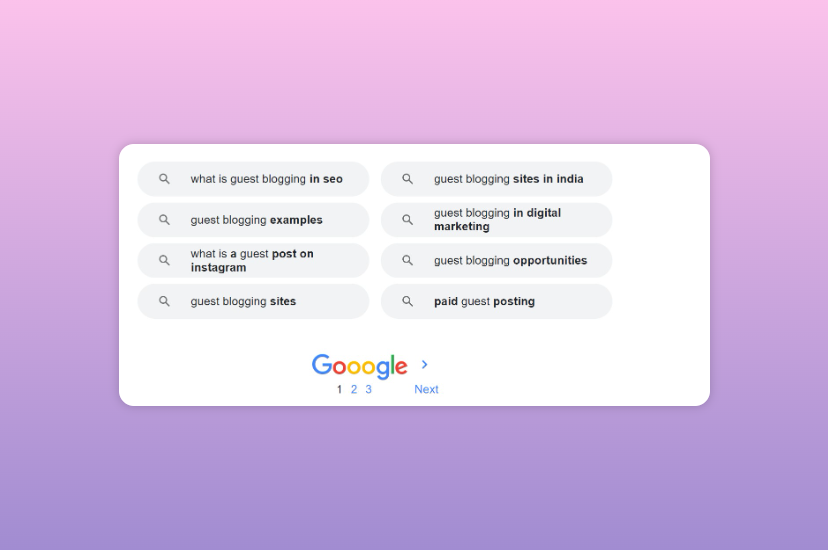
    Ahrefs, Google Analytics, SEMrush, SurferSeo are some of the top tools one can use to get started with keyword research.

    Look into Related Searches

    Another effective way to find better keywords for your blog is by looking into related searches. Don’t get it wrong, this is not the same as Google Suggest which comes up when you type in related words in the search bar. No.

    If you scroll down the search engine, you will find ‘searches related to’ a particular topic that you searched for.

    searches related to the keywords

    You can use the related search results to select a focus keyword for your blog. You can also use the phrases you see in your blog for semantic search purposes and you can also use the words or phrases to dig deeper to find other relevant keywords.

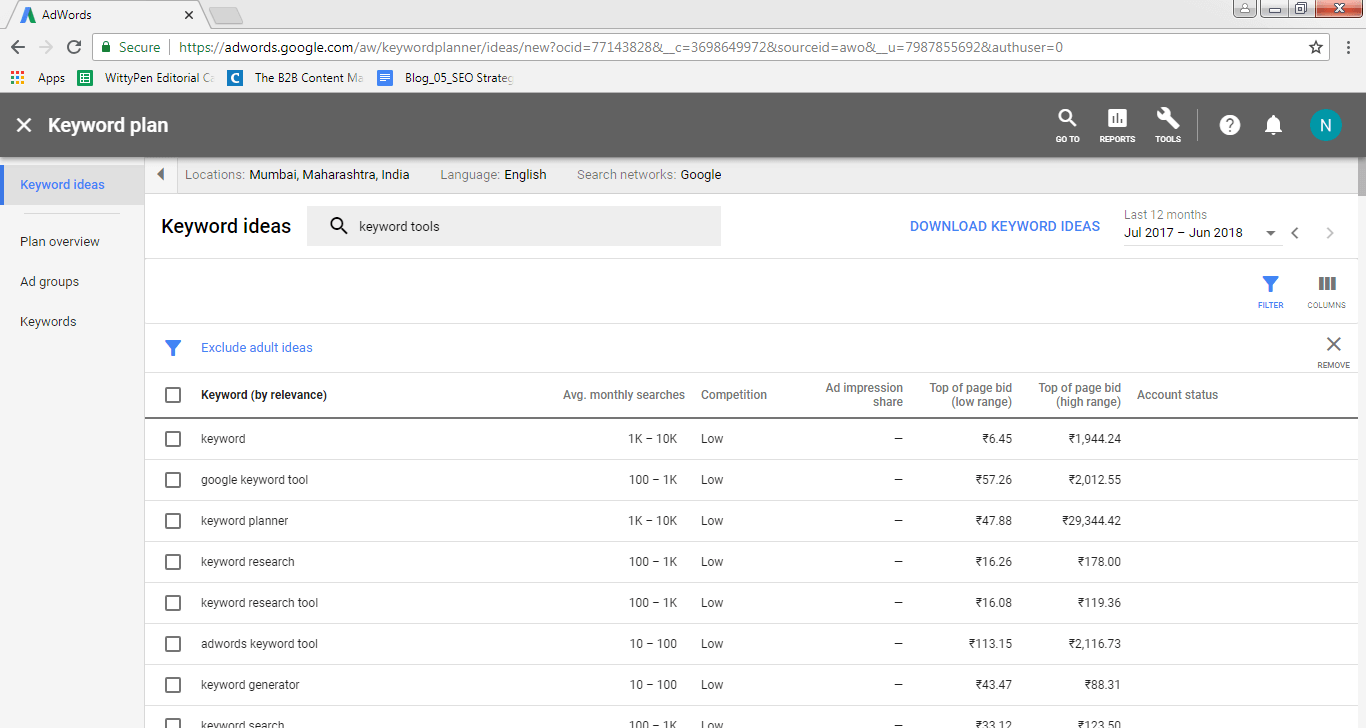
    Rely on Google AdWords Keyword Planner

    Google Keyword Planner is an effective tool that bloggers can use to find related keywords or the approximations of the search volume for the terms you type in. The tool is not hard to use, but you have to create an account first.

    The tool can be beneficial to your blog because it offers plenty of valuable data. You only need to type in a keyword or a keyword phrase and then Google AdWords Keyword Planner will give you tons of suggestions that it obtains from Google’s database.

    Look for the Questions People Ask That Are Related to Your Blog’s Content
    When users conduct an online search, they mostly ask questions because they want to find answers to something they are curious about.

    Users usually ask the how, the when, and the why of it. Therefore, if you want to be successful in your blog’s keyword planning strategy, then you need to find out the questions your target audience asks.

    By discovering the questions, you can tailor your blog posts to answer the most relevant questions. Keep in mind that you’re supposed to answer questions that are related to your topic and ensure to incorporate the keywords so that users can find them.

    Read More: 25+ Trending Topic Ideas for Content Writing to Rank #1 on SERPs

    Consider Pay-Per-Click Advertising

    This might not be a popular option among bloggers, especially those who are just starting up their blogs. Why? Because it is not free. However, it would be wise to consider the option even if you don’t want to. You can consider it as an investment because it will give you clear insights into the keywords that generate the most traffic.

    Pay-per-click advertising can give you the actual data concerning high-quality keywords and keyword phrases. When you have a clear grasp of the keywords that generate more organic traffic, you can start incorporating them into your articles. They could help improve your SEO rankings.

    Look for Hack Books and Courses

    If you would like to know the most relevant keywords that are related to your topic, then you can obtain them from hack books and courses. The online world is filled with plenty of instructors and authors. The books are comprehensive and they have plenty of topics. You can select a topic or two and see keyword ideas that might work for your blog.

    Link Your New Blog Posts to Your Old Posts

    Another effective strategy is adding old links from your blog to your recent blog posts. As a blogger, you should ensure that you regularly review your old posts to try and find target keywords that you might have used. When you find similar keywords to the new content you’re creating, consider adding the link.

    Discover Trends

    One of the best things about Google is that it has Google Trends which looks at historical search data to show the searches that users have made over time. You can use the tool to filter searches based on the region, categories, time frame, and much more.

    Uncovering the trends can be very helpful, especially to bloggers that create content for the local community. By reviewing the historical data, you can customize your articles to incorporate the keywords that your target audience has looked up most.

    Double-Down on Your Keywords

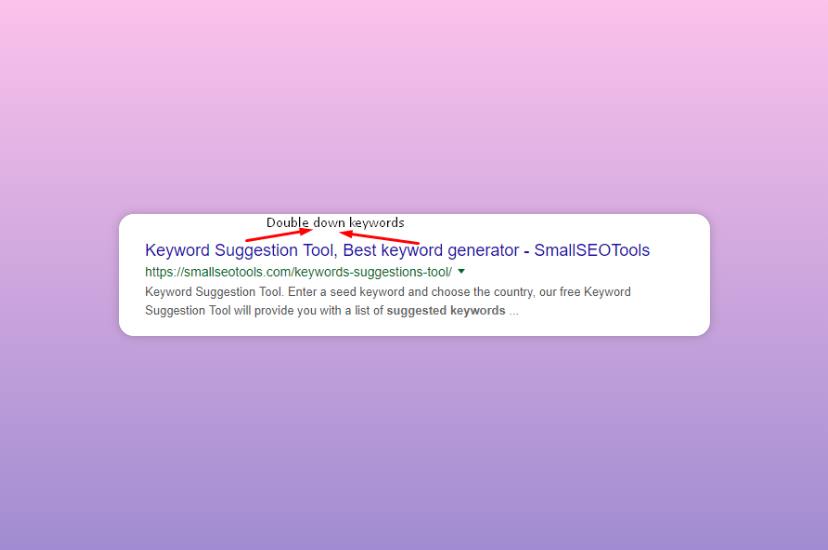
    The key to making your blog successful is ensuring that your keywords work for you double time, if not multiple times. What does this mean? It means that you should optimise your blog titles to have numerous keywords or overlapping keyword phrases.

    Double down keywords

    You should conduct your research and find a two or three-keyword phrase related to your topic that demonstrates a high level of search activity. You should then expand it to form a long-tail keyword. Alternatively, you can create an article that focuses on two keyword phrases. That way, you make it easier for search engines and users to locate your content.

    Plan Your Keywords Semantically

    Keyword planning for your blog should always be done semantically. As Google’s algorithm continues to advance, it has become a semantic search engine. What does this mean? It implies that Google considers the relationship between signifiers in phrases and words in SEO rankings.

    When users search for a specific topic on Google, the results displayed will not only indicate the exact word(s) that has/have been typed, but it will also show the results of what it considers relevant to the search conducted.

    Therefore, if you wish to optimise your blog posts using keywords, ensure to focus on topics instead of exact phrases. Doing so will rank your blog higher in search engines and it will make it easier for users to find your content.

    For easier audit you can check out Wittypen’s On-Page SEO Checker to have a better understanding on what all you can implicate while diving deep in your SEO exercise.

    Conclusion

    Keywords play a vital role in boosting your blog’s SERP ranking. They also help to generate more traffic, which is what every blogger wishes for. However, you cannot achieve positive results if you fail to employ viable strategies. Your main focus needs to be optimising your blog to search engines.

    Search engines will rank blogs with relevant keywords that are well used higher than blogs that omit targeted terms. You may consider implementing some if not all of the strategies mentioned above to generate SEO rankings.

    Wittypen-Blog-Banners-01
  • SEO Keyword Research and Analysis – Boost Organic Traffic

    SEO Keyword Research and Analysis – Boost Organic Traffic

    Google’s search engine algorithm has undergone a sea change and today, Google is smarter than ever before. It is able to perform intuitive searches and most of the time you get the answers instantly in the SERPs itself.

    With the emphasis on content marketing increasing every day, winning keyword research and analysis for your brand in 2020 will eventually define your success in getting organic traffic.

    Whether you are looking for the phone number of a restaurant you want to dine in tonight or the latest conversion rate of dollar to rupee, you get them all immediately in the search result pages itself.

    Well, how does this happen?

    Google is now equipped with the Latent Semantic Indexing (LSI) ability that makes it able to correlate semantically related search terms that are latent in a chunk of text.

    But here’s the thing, how these algorithm changes will impact your keyword research and analysis?

    Well, that’s precisely the answer you will get during the course of this blog.

    The fundamentals remain the same. 

    The idea behind SEO continues to be what it has always been. It is imperative to figure out what keywords you must use when you optimize your website and its content.

    Not all key phrases are competitive. The shorter the keyword, the better is chance of a mind-boggling number of indexed pages showing up on Google, and hence it is more difficult to rank on these keywords.

    The idea is to look for better niche terms!

    Medium-tail phrases of two or three words help in narrowing down the competition but their search volumes tend to be on the higher side.

    Long tail keywords bring down the competition even further but their search volumes tend to be low.

    The situation with keyword/keyphrase length may not be the same always. There may be times when a single-word keyword ranks high and the long-tail one faces immense competition.

    To deal with such diverse situations, keyword research continues to be important. There is no formula behind it and a trial-and-error approach is usually best to follow before you arrive at a workable strategy.
    What is Keyword Research and Analysis for SEO and Why is it Important?

    In this section, I will be taking you through the what’s and the why’s of keyword research while the hows will follow in the later part of the blog. If you are already familiar with these fundamentals (your SEO marketing experience talks!), feel free to move to how you can perform SEO-focused keyword research for your website.

    Keyword research is integral to the SEO strategy of any website. Today, as we are in 2023, keyword research and analysis are about finding the user’s intent.

    In simple terms, keyword research is about finding words or phrases that have high value and low competition when it comes to acquiring a higher rank in the SERPs.

    It’s not always as simple as it looks at the surface level. You need to delve deeper into the psyche of your users to understand what they might be thinking when they search online.

    Even when you end up arriving at high-value and low-competition keywords, there’s a need to figure out if you will be able to rank for them.

    Keyword analysis is important because you need to know the words or phrases for which your website must rank on Google or other search engines. Unless you know these important keywords or key phrases, your pages cannot really be optimized well enough to get the desired results.

    When your keywords are wrong or irrelevant, your pages will not hold user interest and the bounce rate will be high. Right keywords can drive targeted traffic to your business and boost the chances of converting visitors into buyers.

    New Trends in Keyword Research

    The fundamentals remain the same. Keywords continue to be pivotal to optimizing a website and improving its visibility.

    The tweaks in keyword research can be attributed to updates in Google’s algorithm from time to time .

    Let’s take a look at what’s trending currently in keyword research.

    • Long tail keywords or phrases have gained visibility owing to long query searches by users.
    • Google has made display changes to its SERPs in tune with the long-tail queries.
    • Google is now able to intuitively display question-related search results and trending news for even one-word queries, an instance of which you will see in a series of screenshots below. The keyword I have chosen is ‘insurance’ and all the screenshots are of the same search page.

    Screenshot 1 – Results pertain to what insurance means

    Screenshot 2 – Top News Stories on Insurance

    Screenshot 3 – People also ask and details of local service providers

    • There is increasing use of search engines on mobile devices and more instances of location-related queries. More and more people search on the move for queries like “dentist in my area”, “Chinese restaurant near me” or “ayurvedic medicine stores near the railway station”. Ensure your keyword research is tuned to local and hyperlocal phrases.

    Screenshot 4 – Running a Locality-based Search

    • Fragmenting SERPs tend to be more intuitive than ever before. Google now uses images in the search results and information boxes to answer queries in the SERPs itself. Using the right keywords can improve your visibility even if it means your optimized images showing up in searches.

    Screenshot 5 – Optimised Images are an essential component of SERPs

    The Concept of the Keyword Cluster Model

    The keyword cluster model is essentially an algorithm that connects the user’s past searches with related topics and phrases to help them find the best search results. It is an excellent SEO tool that allows you to group keywords, and gain traction in search engines to get the desired number of visitors to your website.

    The model allows you to target multiple keywords per page, creating additional opportunities for your content to be found online effortlessly.

    The two main components of the Keyword Cluster Model include the following-
    Pillar Content
    Pillar content is the core of the cluster since this is based on the broader topic. It is usually best for people who are not familiar with a certain topic but want to see a comprehensive overview of it. The pillar content is extensive, covering various aspects of a specific topic.

    Cluster Content
    Unlike the pillar content that deals with a broad topic, the cluster content usually focuses on a specific keyword that is related to the broad keyword and discusses the same in a more thorough and comprehensive manner. It also contains a link that brings users back to the pillar content.
    keyword cluster model

    In simple terms, pillar content is usually focused on a broad keyword with a high search volume, whereas cluster content is focused on more specific keywords with smaller and attainable search volumes.

    The SEO objective of the keyword cluster model is simply to gain search engine traffic for highly focused keywords and phrases with smaller search volumes. In an ideal scenario – the better ranking a website can get for cluster content, the more credibility it builds up with Google for its pillar content.

    Methods to Identify the Keywords for the Cluster Model

    Here is how you can put keyword clustering into practice-
    • Collect keywords
    One of the methods of using this SEO technique is classic keyword research based on your audience, website, and industry.

    • Do thorough competitor analysis and market research
    Start with a wide set of keywords from which you can quickly eliminate irrelevant entries to start from a limited data set.

    • Use free or paid keyword grouping tools
    There are a number of free as well as paid keyword grouping tools that make it easy to identify keyword clusters. Google Search Console is one such free service from Google that lets you understand different types of information about your website, and its visitors.

    You can the search Console data to find out different aspects of the website to successfully cluster keywords for better website performance. Along with this information is – how many people are visiting your site, which pages of the website are the most popular, and what percentage of people are visiting the website on desktop or mobile devices.

    To Sum It Up
    The keyword cluster model is an excellent way to organize the website content that helps both users and search engines to navigate the website content easily.

    To gain the most out of this SEO strategy, it is important to choose a strong topic and create pillar and cluster pages methodically, along with the addition of internal links to connect each page.

    How to do SEO-focused Keyword Research and Analysis?

    We have already discussed what keyword analysis is and we know that sound keyword research can be the most impactful traffic-driving action. Here’s how we can conduct advanced keyword research and analysis.

    Topic Ideation > Keyword Discovery > Keyword Evaluation

    The above depiction throws light on the basic process of keyword research and competitor analysis. Each of the three steps involves figuring out answers to some essential questions in a chronological manner.

    • What is the idea behind your content?
    • What words do you think people would use to look for your content?
    • Which of the several keyword choices you have would be the best one to target?

    Figure out the answers to these questions with the methodology given below.

    1. Arriving at Your Core Topic

    First and foremost, you need to know the content you are looking to optimize with the right keywords. Engage in research or a brainstorming session with your team to arrive at content that is relevant to your domain. Steer clear of irrelevant posts on your website if you don’t want to shove away visitors by giving them something that’s a total cross from what they thought of your nature of business.

    2. Choosing a Keyword for Your Content

    Now, that you are all set with the topic you will be adding a post on, it’s time to get started with keyword research. There are many tools out there to aid you. Some of these smart ones will give you deeper insights to tell you how popular it is across searchers worldwide.

    Here’s a look at the parameters you must consider when evaluating keywords:

    a. Search Volume
    “How many people are looking for this keyword on a monthly average?”

    High-volume keywords could well be an obvious choice of targeting with your content. However, keep in mind that you must not force keywords into your keyword strategy only with the intention of ranking for a high-volume search.

    The content on your page should be consistent with the search intent of the search engine user. Only then will you be able to rank for a particular keyword or drive targeted traffic to your website.

    During the course of your keyword research, you may find some keywords that are consistent with the subject matter of your content. Before you are prompted to select the ones with the highest search volume, you need to also check other factors to understand if that particular keyword works well for your content.

    b. Competition
    “How competitive is this keyword that seems totally apt for my content?”

    “Will it help my page rank high or will it be competing against several big websites or paid advertisements in the search engine result pages?”

    If a keyword faces very high competition, it may actually be out of bounds for you. Test it out yourself by typing that keyword on the search engine to know what the results look like. This will give you a fair idea if your content has any chance of ranking for this keyword even at a later time. A close look at the SERP is great for gaining insights into how your page might fare with the high-competing, target keyword.

    Your page will not just be competing with others in your genre but also with other aspects of the SERPs to get to the top of the rankings. If a lot of paid ads show up for a keyword you search or if there are websites with immense authority for the same content, trust me, you will be facing a lot of competition.

    Further, even if your page manages to break through to the first page of the search results, the SERP may have shopping results, paid ads, answer boxes, and People also ask sections before the searcher can see your listing. This means the searcher has to scroll down quite a lot before he can get a peek at your page.

    c. Search Intent
    “What is a search engine user looking for when he types a keyword into Google?”

    “Is the content on my page in tune with the searcher’s intent? Does my page have valuable information to retain his interest?”

    Here’s the deal:

    If you are using a keyword on your page, you have to pay heed to the searcher’s intent and serve him what he expects. Tons of people may be looking for the same information if they are putting a keyword in the search bar. You can’t have them bounce off your page by making them think you are merely targeting a keyword for SEO leverage without providing anything of value to them.

    So, what are you waiting for?

    Put your detective hat on and get started with your study. Take a close look at the search results to know what kind of content shows up for a keyword and what is making them rank high.

    Are these pages loaded with user-friendly information? Are they how-to articles or instructional pieces of content? There’s so much to decipher from the SERPs.

    Another good idea is to get creative with keyword research. Come up with a list of keywords with lesser search volume and less competition. Figure keywords your competition isn’t ranking for but you have a good chance of targeting with your content.

    Do not arrive at your important keywords in haste if you want to climb up the rankings on Google. A little procrastination could well work in your favor sometimes!

    3. Letting Buyer’s Journey Aid Your Keyword Evaluation

    Certain specific kinds of keyword structures indicate where a user/searcher is in the buyer’s journey. If a keyword begins with “how to”, it is an indication that the searcher is at an early stage and is only looking for more information on your product or service. He may not be ready to make a purchase just yet.

    If a searcher queries something like “best air conditioner with inverter technology”, he is in the mid-phase of the buyer’s journey when he is weighing the options he has of a product before buying.

    Consider the stage a buyer is in and if your content aligns with the same. Keep this in mind when choosing your keywords. If you are writing informative content to educate the visitor, it’s a good idea to use early-stage keywords.

    Best Keyword Research Tools for SEO

    Take a look at these keyword research tools that are immensely popular with SEO experts.

    1. Google Keyword Planner Tool

    Yes, this is among the most popular keyword research tools and the best part is that it’s available free of charge to you. Keyword Planner is integrated to Google AdWords and provides deep insights on how a keyword fares on the most popular search engine, Google. Use it as a basic tool for analyzing your keywords.

    2. Ahrefs Keyword Explorer Tool

    Ahrefs is one tool that provides you with a detailed keyword analysis. It uses clickstream data to show how many clicks you will receive from the search engine.
    This happens to be useful since there are countless keywords that have heavy traffic but do not get clicks from the search engine, like in cases when a user gets the answers in the SERP itself without having to click the pages.
    Ahrefs offers a 7-day trial for $7.

    3. SEMRush

    Probably one of the easiest-to-use keyword research tools, SEMRush allows you to do much more than just research your keywords. Add your URL or your competitor’s URL to arrive at all keywords targeted for that page. This way you can figure out your short and long-tail keywords.

    Further, you can also get inputs on traffic stats, search engine reports, and other details for running your SEO campaign. You can buy a subscription for $99 to get started with using the tool.

    4. KWFinder

    KWFinder has gained popularity in recent times and is a relatively new tool that’s totally about researching keywords.

    Turn to this tool when you are on the quest for keywords that have the potential of driving targeted traffic to your website. This tool offers both free and paid plans.
    Use the free version to get a feel of its usefulness.

    5. Long TailPro

    This is a paid, cloud-based tool for keyword research. It can help you arrive at a fantastic set of keyword suggestions for your niche or micro-niche sites.
    Use their competition checker feature to simplify your job of picking the right keyword.

    6. Moz Keyword Explorer

    Moz is among the leading SEO tools online and it helps in simplifying the data. The tool demonstrates how tough the competition is for a chosen keyword.

    7. Ubersuggest 2.0

    Ubersuggest 2.0 is the latest version of Neil Patel’s keyword research and analysis tool. Divided into three sections, Ubersuggest is an easy-to-use tool to make your content more readable and SEO friendly.

    Apart from offering a complete overview of the search volume of a keyword for a particular time, it also provides keyword suggestions compiled using Google suggest and Adwords. The third section, SERP analysis, brings up the 100 top-ranking websites for a particular keyword.

    8. SpyFu

    SpyFu aids SEO efforts and is useful when you are trying to analyze your keywords to stay ahead of the competition in a highly competitive niche.

    This platform features compare websites module, keyword history module, domain history module, and related keywords module.

    It helps you discover untapped and emerging markets and understand your competitor’s SEO strategy.

    The basic plans cost $79 and $99 per month, which you can avail yourself of at a discounted price if you purchase a full year’s plan.

    Read More: B2B Content Marketing Strategy: Step-By-Step Guide

    Closing Lines

    Keep in mind that keyword research is a vital part of any SEO strategy and needs to be addressed in a proper way. Focusing on keywords with lower competition is a good idea.

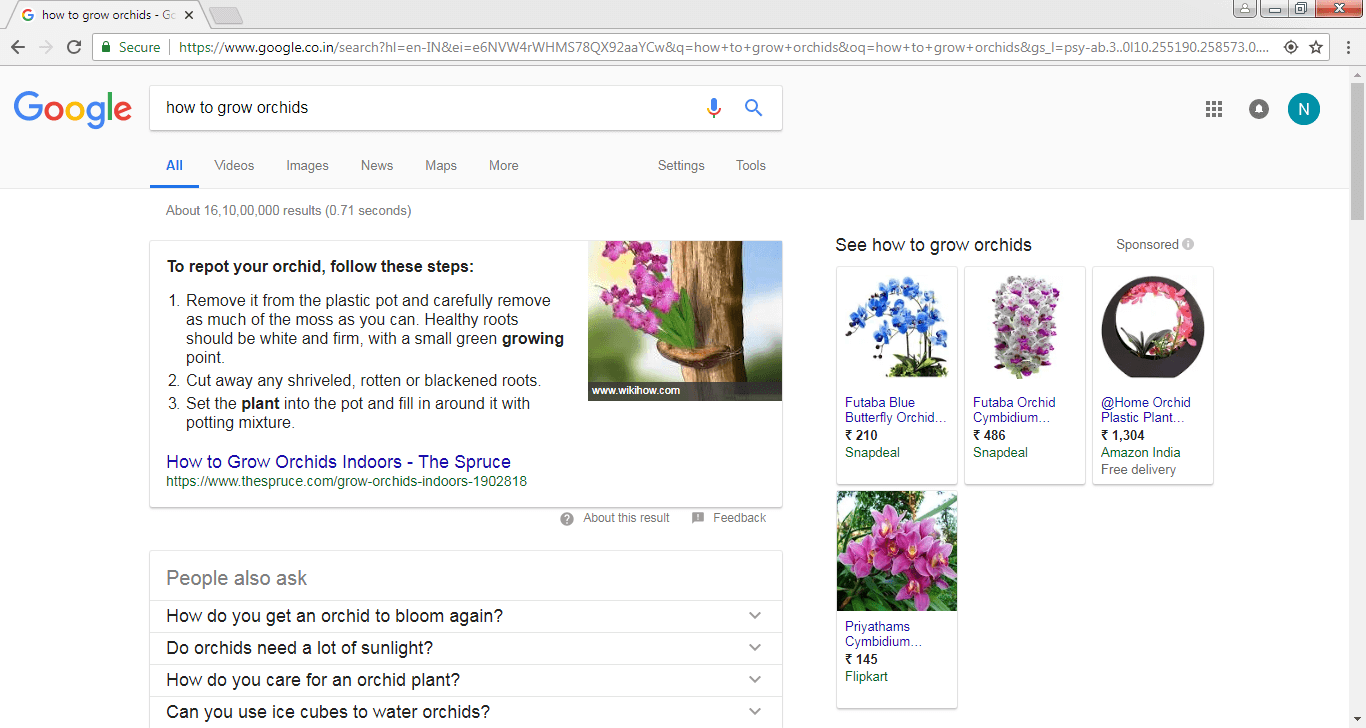
    For your SEO strategy to get sailing, keywords work like a compass and lend direction to your SEO campaign. They indicate whether you are going the right way and if you are making fair progress.

    Marketers, it’s time to get started with turning your niche topics into keywords by learning to use your favored keyword research tool effectively.

    If all goes well, it’s just a matter of time and perseverance before you see success.